Mapbox GL JS now separates its major advanced rendering capabilities into three on-demand modules. This builds on the modular architecture introduced earlier this year. Features such as indoor maps, 3D models, terrain, and globe rendering are automatically loaded only when the developer needs them in the map style.
For applications that do not use these advanced capabilities, modularization allows for significantly less JavaScript to download and process, reducing the GL JS bundle size by up to 27%. This results in lighter applications and faster initial page loads. Developers can use a lightweight core for fast data visualizations, dashboards, store locators, and other everyday mapping experiences. Or they can render advanced 3D and environmental features whenever they are needed.
A modular architecture built to stay lightweight
Previously, Mapbox GL JS shipped its rendering capabilities together in a single library. That meant developers building relatively lightweight experiences still downloaded code for advanced rendering features they weren’t using. As GL JS added richer 3D, high-detail, and environment capabilities, the core library naturally grew.
The new modular architecture breaks that relationship between adding features and increasing the baseline size of GL JS. Following the first High-detail module introduced in v3.25, the latest release moves the remaining major rendering feature into dedicated ES modules that load automatically when a style calls for them. This keeps the GL JS core lean even as Mapbox introduces more sophisticated rendering capabilities.
The core renderer and new ES modules

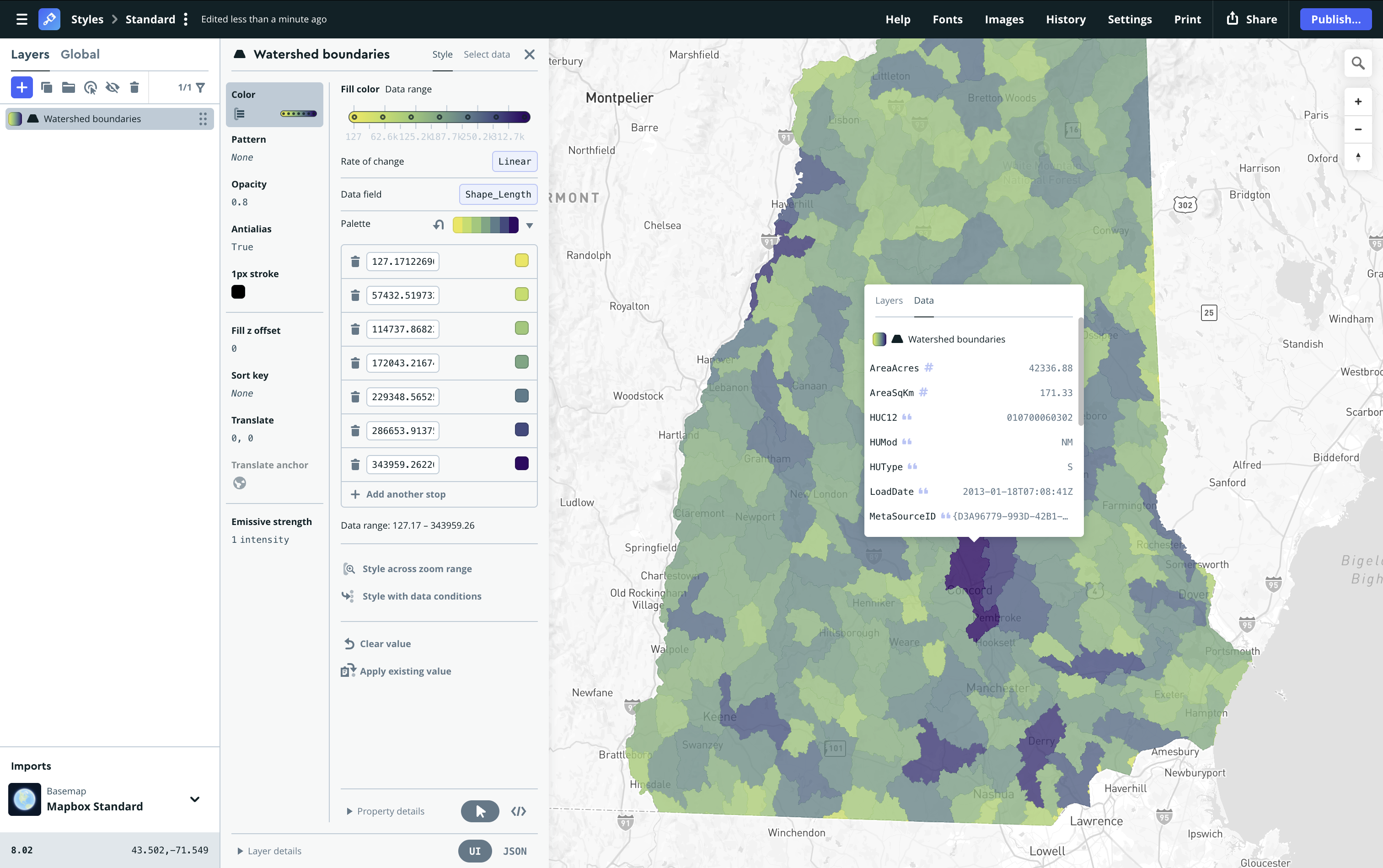
The core rendering engine
Render polished 2D maps, support complex interactions, and work across multiple projections with a lightweight, high-performance core. The engine is built for a wide range of use cases, from business intelligence and logistics to store locators and other data-rich mapping experiences. It’s the backbone for rendering all other modules.
The environment module
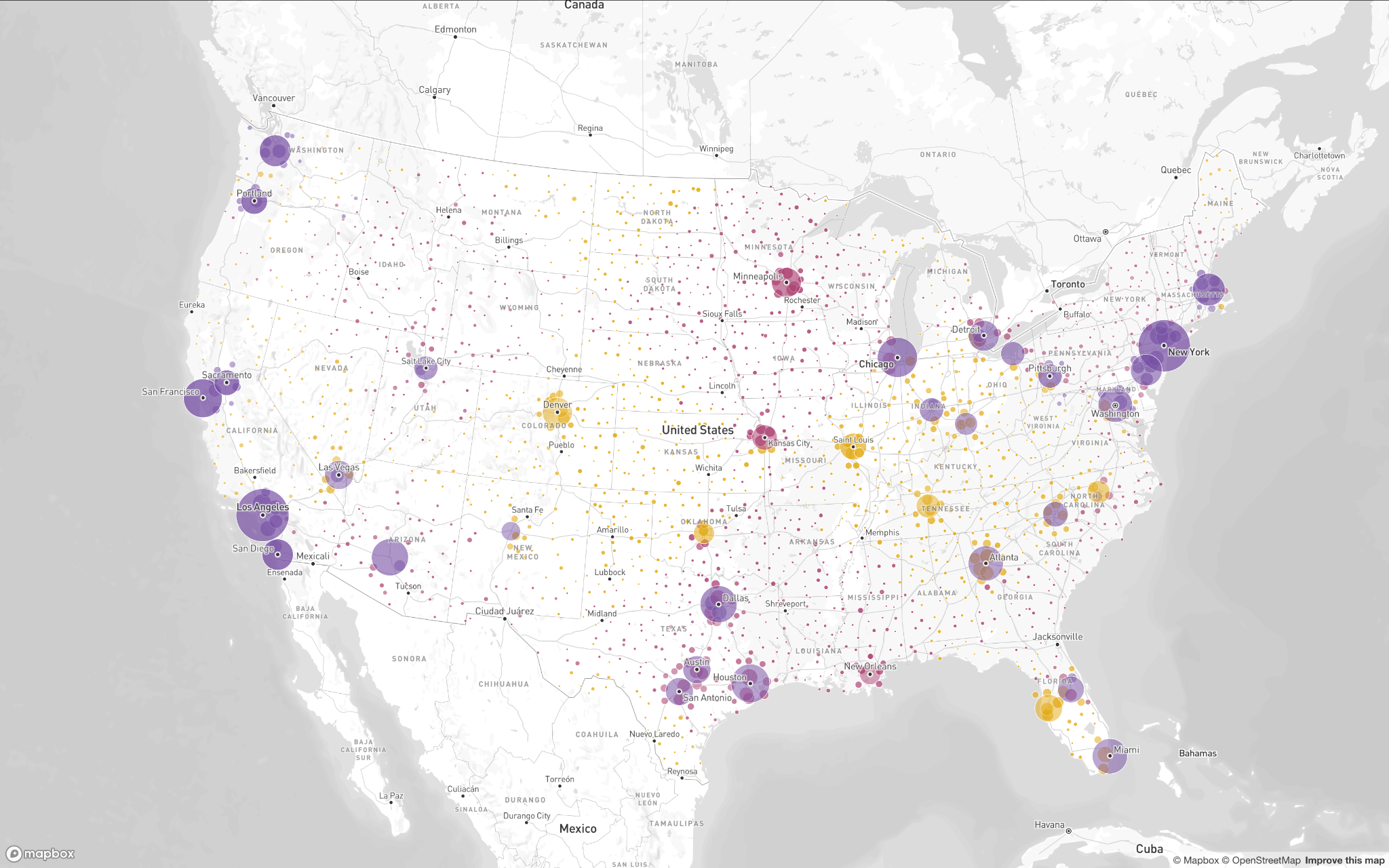
The environment module provides 3D Terrain and draping, plus Globe view, enabling smooth transitions across the world and giving mountain ranges, hills, and valleys realistic depth. It is critical for outdoor recreation, marine navigation, and aviation experiences where terrain and global context matter.
The 3D content module
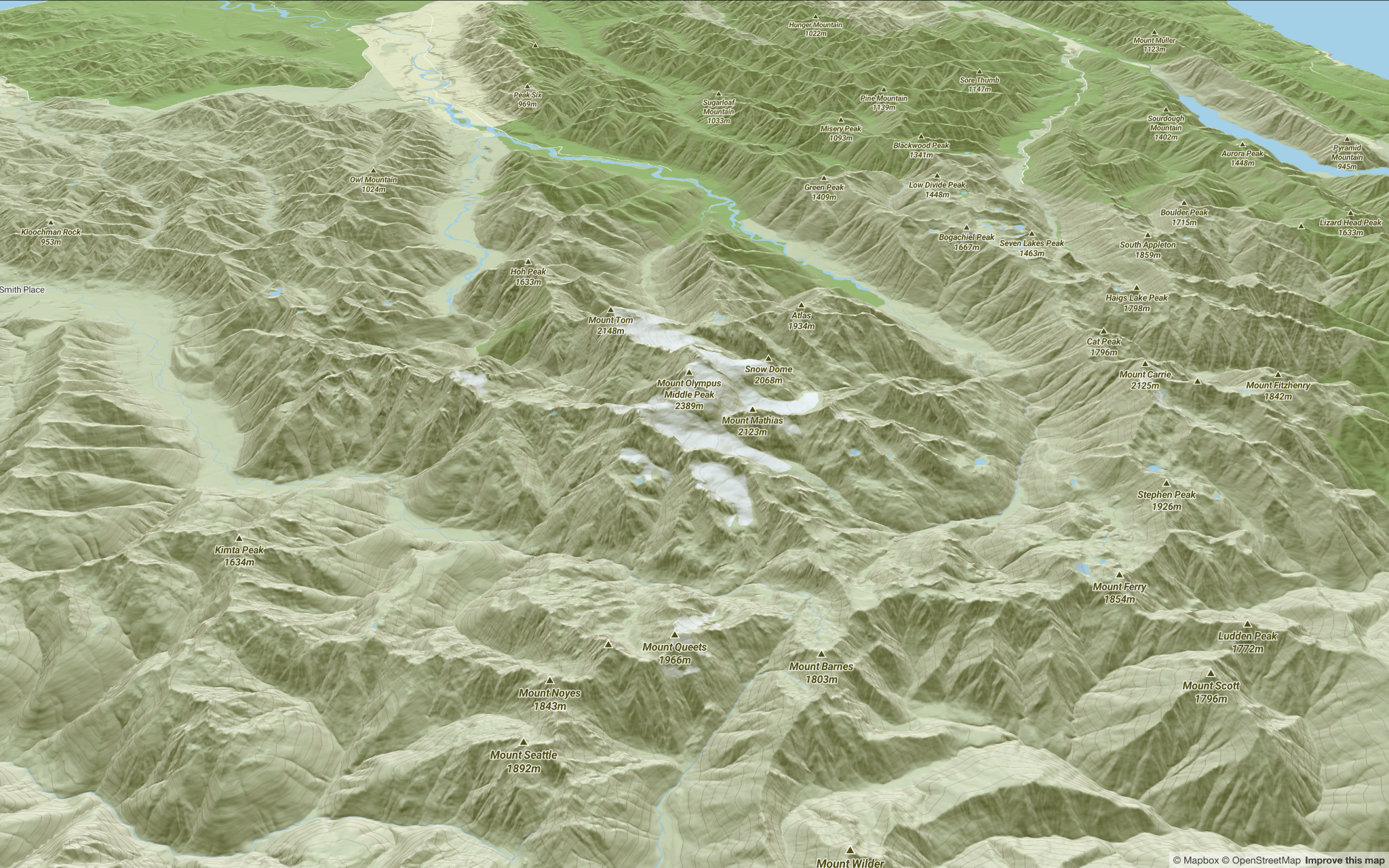
For close-up mapping in dense urban environments, the 3D content module adds the detail needed to create richer, more immersive experiences. Render building models and handcrafted 3D landmarks, distinctive landmark icons, 3D trees, road signs, and more.
The high-detail module
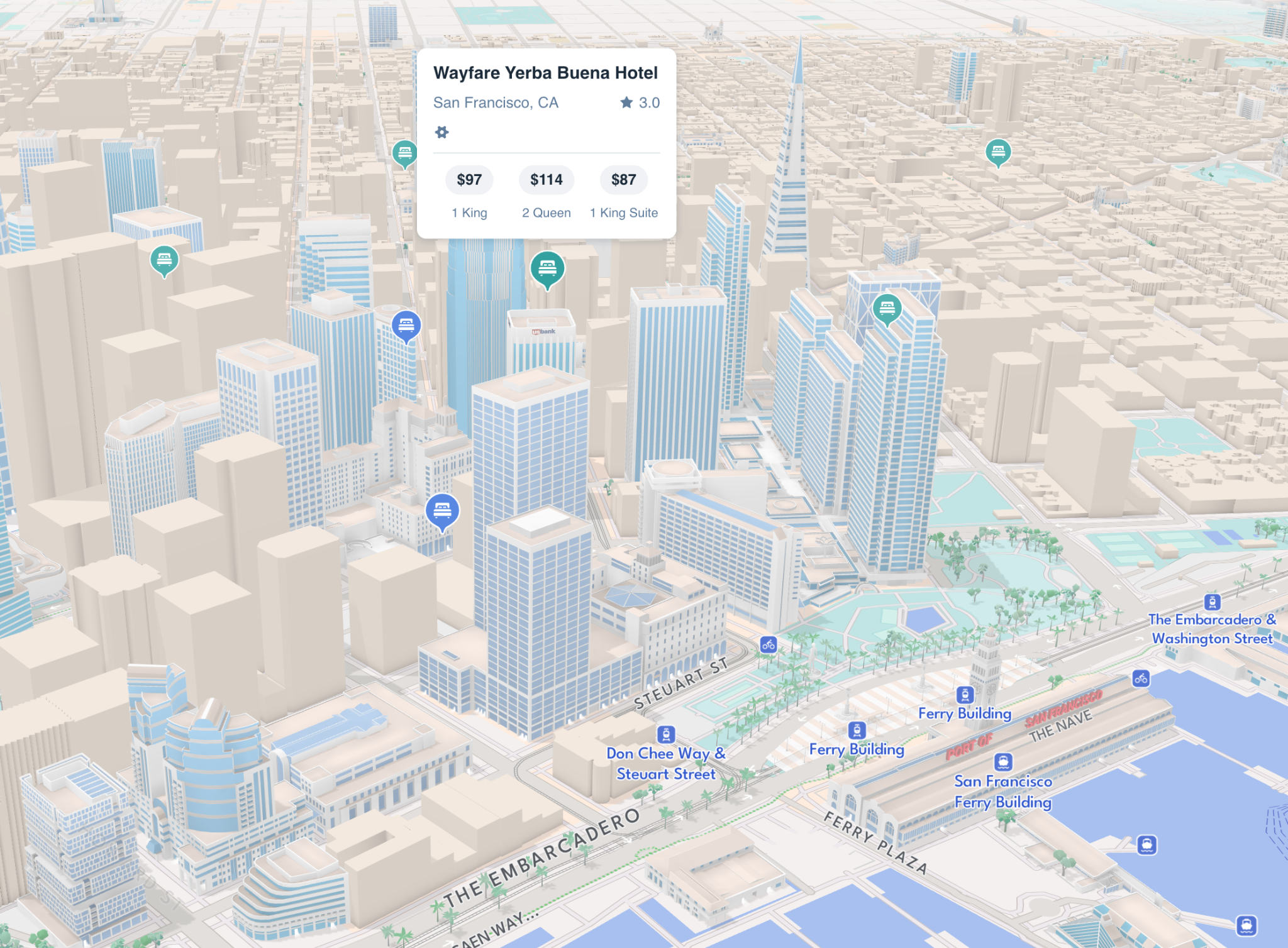
The high-detail module adds lane markings, landmark bridges, detailed building facades, indoor airport maps, rain and snow effects, and elevated lines. These features provide more real-world context for use cases such as UAV operations while keeping the map clear and easy to navigate.
Size savings
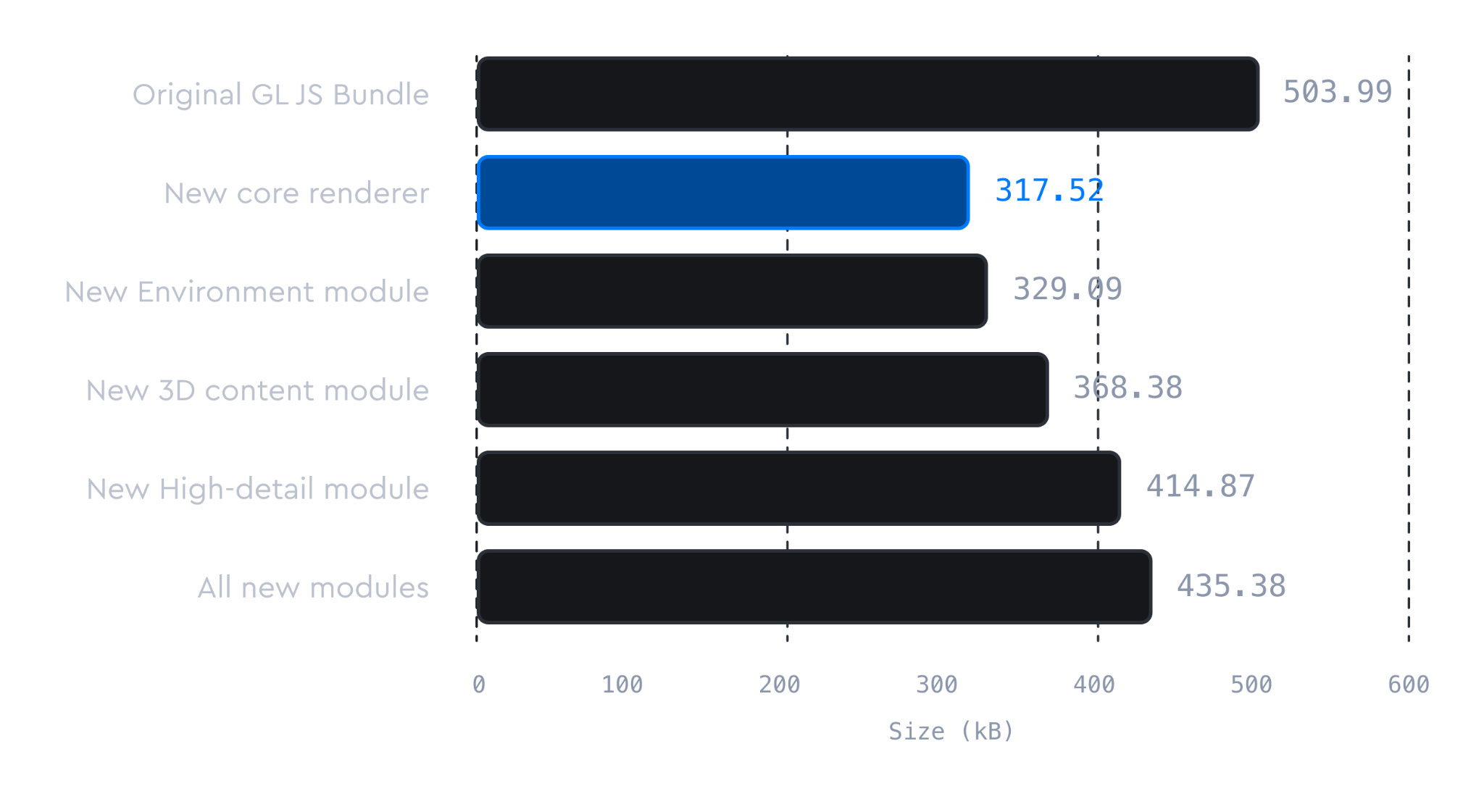
The chart below compares the compressed bundle sizes of the modular GL JS build with the previous gzip-compressed UMD build. Starting with the lightweight core, the bundle grows incrementally as the Environment, 3D content, and High-detail modules are added.
A map that uses only the core rendering engine loads 27% less code than one that requires all modules. Even when all modules are included, the build is still 14% smaller than the original GL JS bundle, thanks to bundle size optimizations and Brotli compression compared with the previous gzip-compressed build.
The result is significantly faster initial load times.
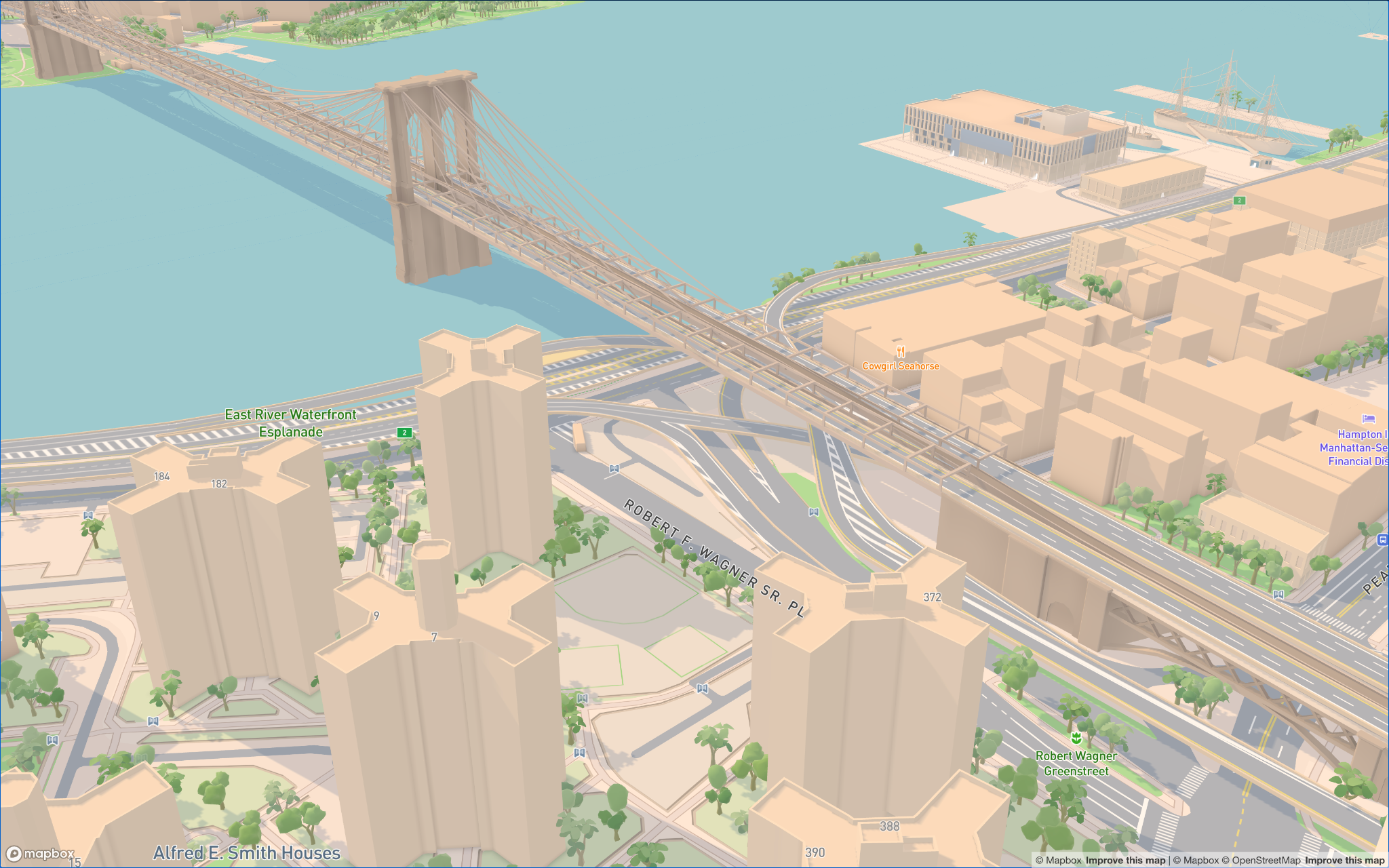
Left: loading the full original GL JS bundle. Right: the core renderer loading just the required 3D content module.
Start using the new modular architecture
To opt in to the new modular architecture, update to GL-JS v3.32 or later. Then switch from the UMD bundle to the ESM entry point.
For NPM users
import * as mapboxgl from 'mapbox-gl/esm';
const map = new mapboxgl.Map({
    accessToken: <ACCESS_TOKEN>,
    container: 'map'...
});
For CDN users
First remove the existing <script src> tag from the page:
<script src="https://api.mapbox.com/mapbox-gl-js/v3.25.0/mapbox-gl.js"></script>Then import the mapboxgl namespace directly from the CDN, making sure to use the script type “module”:
<script type="module">
import * as mapboxgl from 'https://api.mapbox.com/mapbox-gl-js/v3.25.0/esm/mapbox-gl.js';
const map = new mapboxgl.Map({
    accessToken: <ACCESS_TOKEN>,
    container: 'map'...
});
</script>
FAQ
What is the new modular architecture in Mapbox GL JS?
A complete, new ES module–based architecture for Mapbox GL JS that automatically loads only the rendering code a map's style needs, instead of one all-inclusive bundle. We launched the first module in June 2026 and now we are launching the full modularisation, consisting of the core rendering engine and three main modules.
How does migrating to the ESM endpoint benefit my app's performance?
If your application does not require high detail 3D symbolic realism (e.g. locator maps, dashboards, BI tools, fast-loading marketing pages) — you no longer pay the download and parsing cost of 3D terrain, landmarks, road and lane details, or indoor-map code you never use. Library size should scale with what your map actually does. But as GL JS has been shipped as one monolith, this has not been the case. To make that possible, GL JS now ships four main modules that are lazy-loaded automatically based on your style, enabling developers to automatically drop up to 27% of the bundle size. This sits alongside a broader rendering-pipeline rework (faster shader compilation, tile decoding, expression parsing, and reduced allocations) and a move to Brotli compression – improvements which further speed up the map load time by as much as 50%.
How do I switch to the ESM entry point?
Switching your app to the ESM entry point for GL JS is easy — no rendering-feature configuration is required on your end. GL JS inspects the style you load and dynamically imports only the modules that style requires, in parallel with the rest of the page. If you want to optimize further, understanding the module composition helps you reason about which style features pull in which modules. To opt in to the new modular architecture you need to update to GL-JS v3.32 and then follow this documentation: https://docs.mapbox.com/mapbox-gl-js/guides/bundler/
What additional optimizations were made to decrease bundle size and load times?
We upgraded compression of GL JS's JavaScript and CSS assets served through our CDN from gzip level 6 to Brotli level 11. This alone cut the ESM core bundle by 17% for the ~95% of users on Brotli-capable browsers, with no client-side decompression cost. With the compression improvement and the modularization initiative, the core bundle size today is at roughly 317KB — a 27% reduction from its peak. Alongside compression and modularization, a rendering-pipeline rework (idle-time parallel shader precompilation, faster vector-tile/protobuf decoding, faster expression and color parsing, reduced allocations, streamlined 3D model loading) benefits every GL JS user, cutting average frame time by 25% and time-to-idle by up to 50%, independent of which modules a given map loads.


Related articles
New road detail in Mapbox Standard
Turn AI-generated map styles into production-ready maps in minutes with Mapbox Studio