For organizations operating in high-security, regulated, or disconnected environments, deploying modern mapping software has always come with a tradeoff: power vs. complexity. Mapbox helps to remove that tradeoff.
Mapbox Atlas v3 is a complete rearchitecture of Mapbox Atlas — designed to dramatically reduce infrastructure overhead while delivering the same self-hosted high-quality maps, search, and navigation capabilities developers expect.
Whether developers are deploying in a secure data center, an air-gapped network, or even a vehicle in the field, Atlas v3 makes it faster and easier to bring modern mapping to applications.
The problem with traditional self-hosted mapping
Previously, deploying mapping software on-premises meant a heavy resource burden managing multiple container orchestrations, large datasets in difficult to access filesystems, and a lot of compute power.
While some open-source alternatives reduce this complexity, they introduce a different set of problems. The problems include a lack of dedicated support and product teams, expensive high-resolution updated map data, limited customization, and no single integrated solution with support for geocoding or navigation.
.jpg)
For teams in industries like telecommunications, utilities, healthcare, government, and defense, these problems create a real bottleneck. Teams need secure, compliant, self-hosted mapping software — but not at the cost of speed, scalability, or developer productivity.
A lighter, simpler, and more deployable Mapbox infrastructure
Atlas v3 was built from the ground up to eliminate unnecessary infrastructure while preserving everything that makes Mapbox powerful.
First, it has a radically lighter footprint. Atlas v3 has a containerless option for deployment for Mapbox maps, plus flexible deployment options including S3-compatible storage or servers owned and managed by the organization. Mapbox geocoding and navigation are now independent products with far fewer complexities. They require as much as a third of the containers used compared to Atlas v2.
Now, developers can spend less time configuring infrastructure, and organizations can lower operational costs while speeding up deployment cycles.
Most importantly, Atlas v3 can now run in resource-constrained environments — from vehicles to aircraft to remote field operations.
No hassle. Just maps.
At the core of Atlas v3 is a major shift: Mapbox maps can be deployed using only existing private cloud infrastructure. With Atlas v3, maps consist of just two components: Mapbox GL JS for web rendering, and tilesets hosted on S3-compatible storage. No Kubernetes cluster to maintain. For teams that only need maps, Atlas v3 delivers the simplest self-hosted deployment possible today.
High-quality, updated basemaps, without compromise
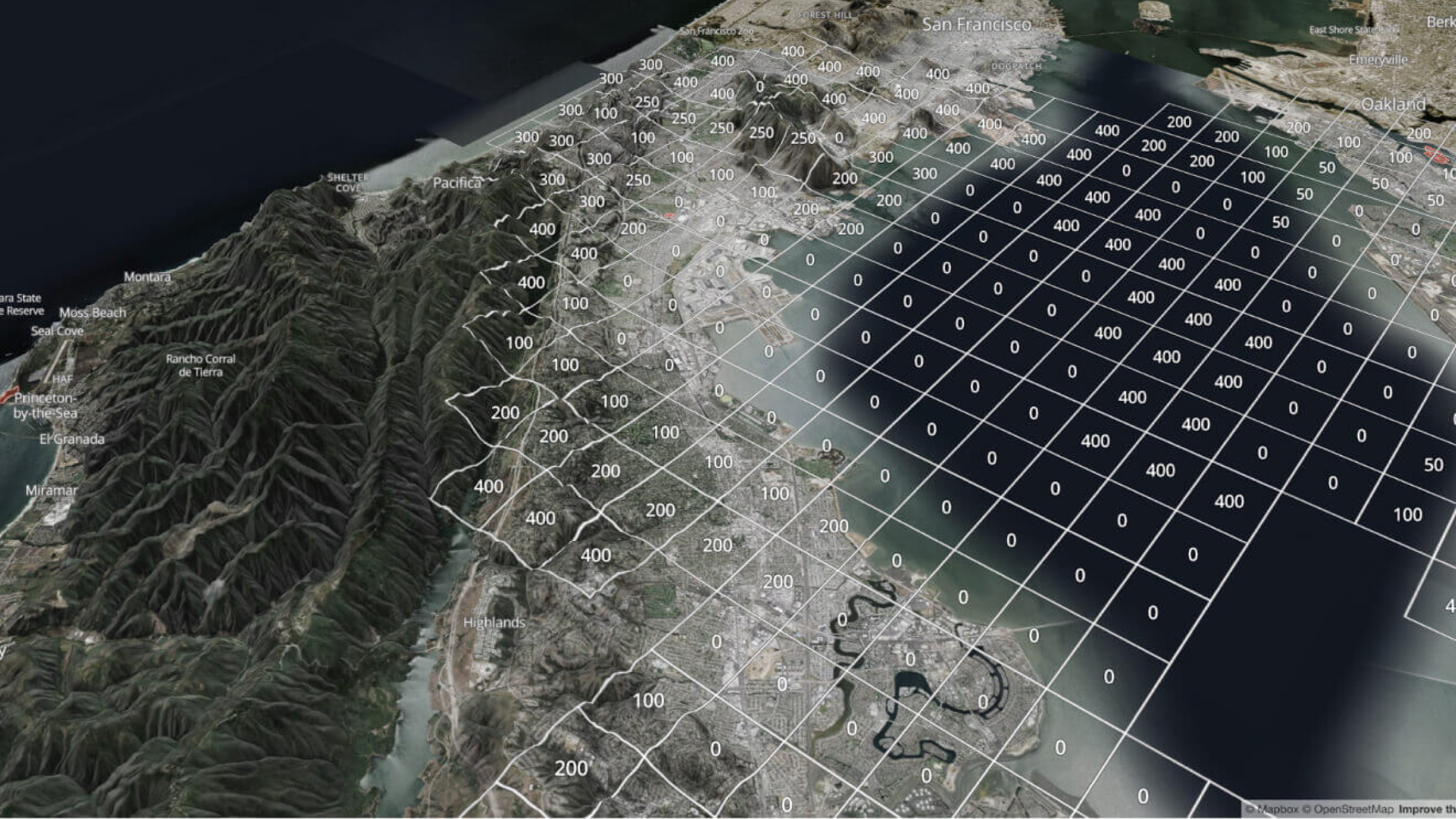
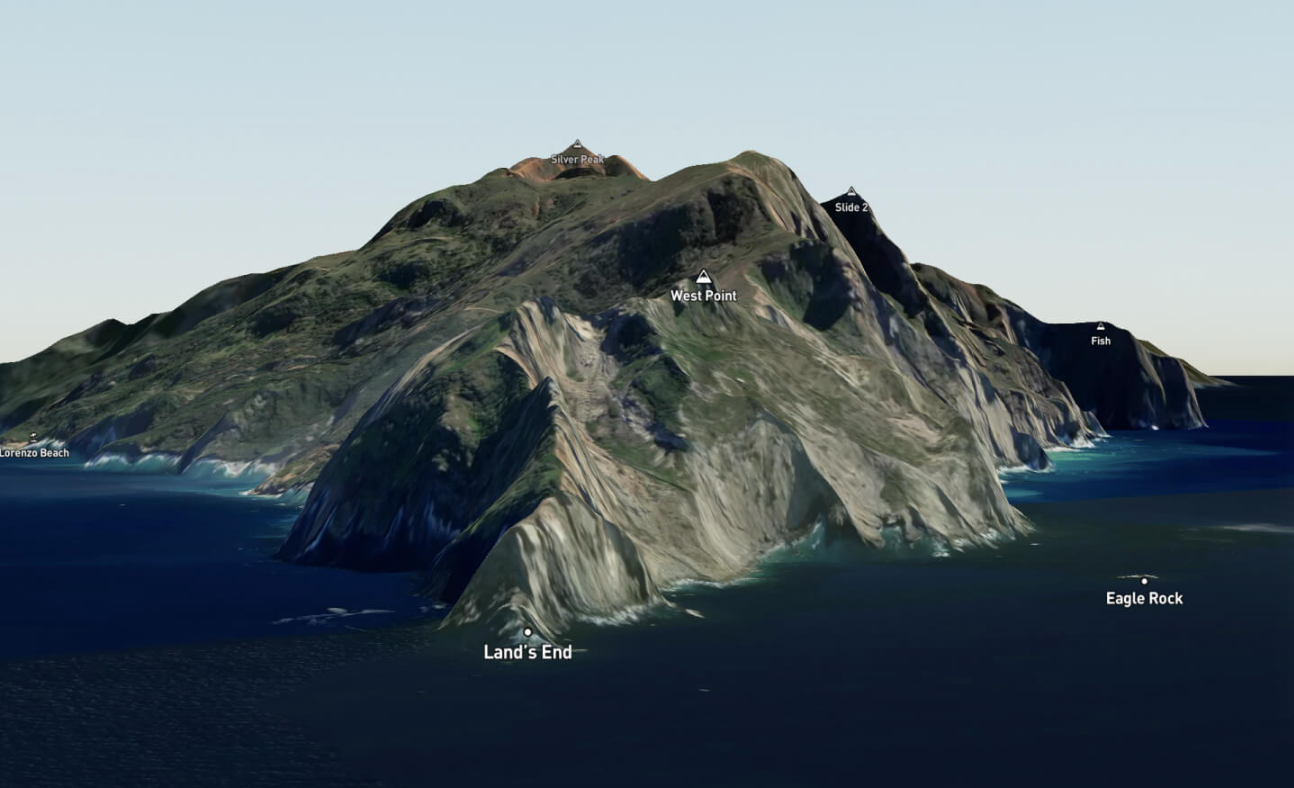
Reducing infrastructure doesn’t mean reducing capability. Atlas v3 includes downloadable, high-resolution basemaps: Mapbox Streets (updated monthly with roads, transit, and POIs), Mapbox Satellite, and Mapbox Terrain. These maps are up-to-date and production-ready, consistent with Mapbox.com data, and capable of rendering 3D buildings and terrain.
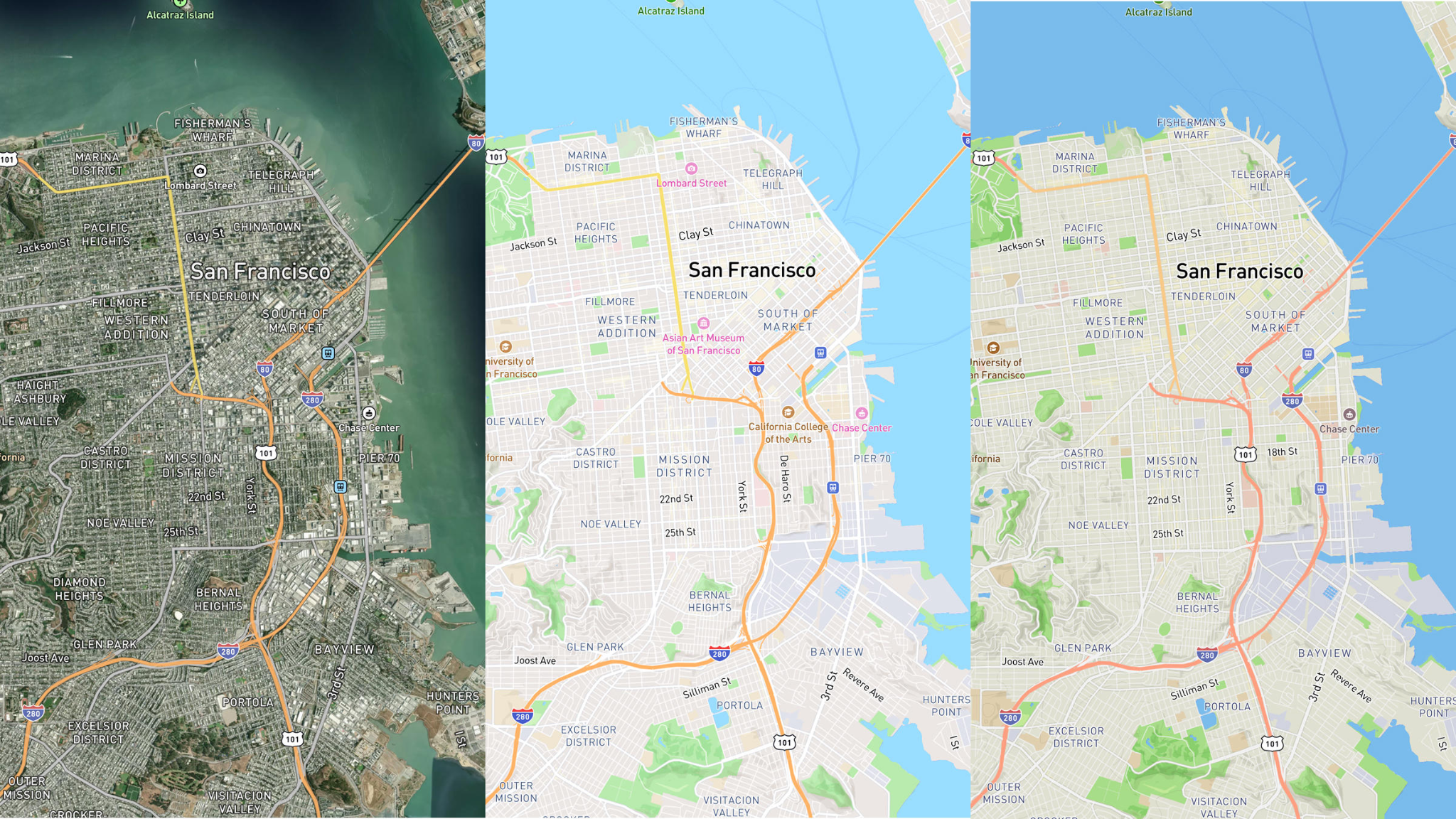
This is a major step beyond alternative self-hosted solutions, which require the owner to process and re-process their own tilesets to keep them updated, costing $1,000 or more per update.
Fully customizable to the mission
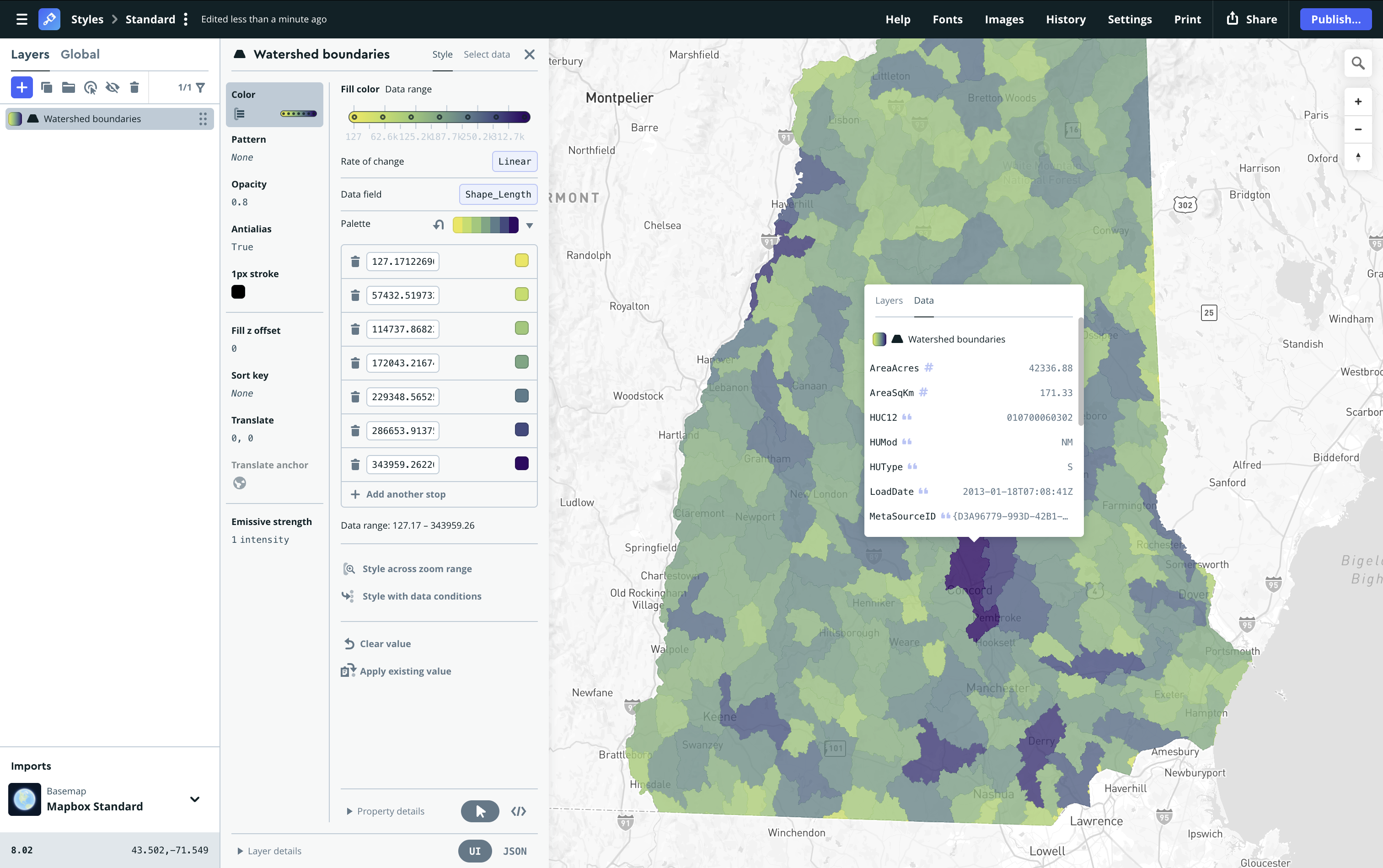
Every organization has unique requirements and Atlas v3 is built to adapt. Developers can bring custom tilesets by converting them to PMTiles. They can also design custom styles in Mapbox Studio, then export the style specification file and use it with Mapbox GL JS in their Atlas v3 installation.

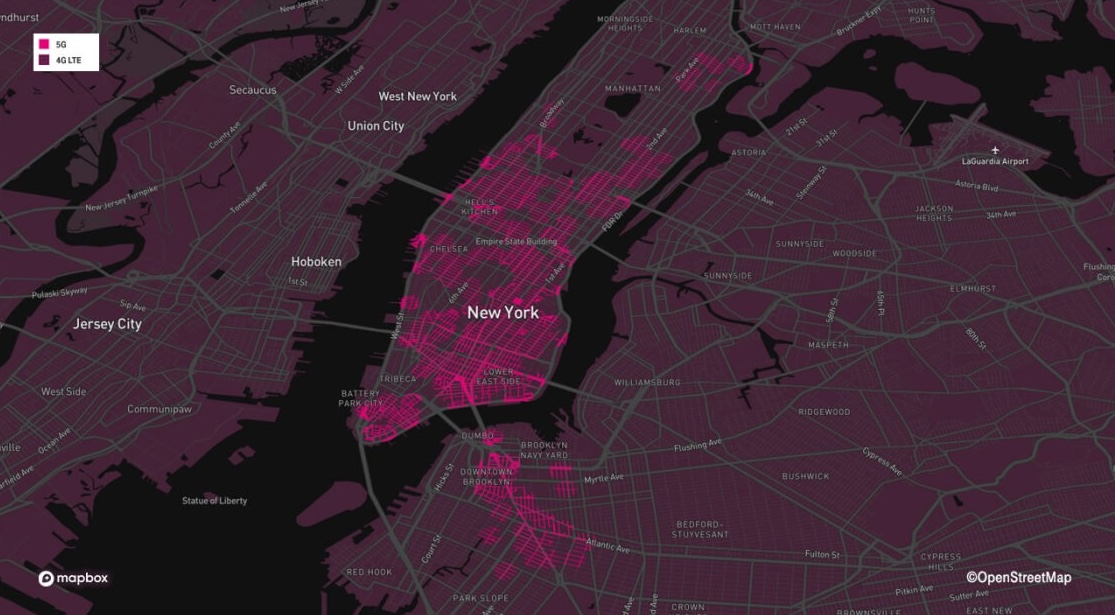
Whether visualizing telecom infrastructure, monitoring power grids, or planning mission-critical operations, Atlas v3 gives full control over the map experience.
Search and navigation— now simpler to deploy
For advanced use cases, Atlas v3 includes Mapbox geocoding and navigation modules. These capabilities run with significantly fewer containers than before, and they can be deployed independently from maps with Docker Compose or Kubernetes. Even in air-gapped environments, Atlas v3 enables geocoding, routing, and navigation — capabilities that are not integrated into a single self-hosted alternative.

Built for real-world, high-stakes use cases
Atlas v3 is aligned with the needs of industries where reliability, security, and performance are non-negotiable:
- Telecommunications network planning and monitoring
- Utility grid operations in air-gapped control centers
- Healthcare provider search under HIPAA compliance
- Military and defense mission planning
- Aviation applications, including flight tracking and EFB systems
- First responder situational awareness
- Asset and drone tracking in the field
- SaaS platforms serving regulated industries that need a self-hosted version of their platform
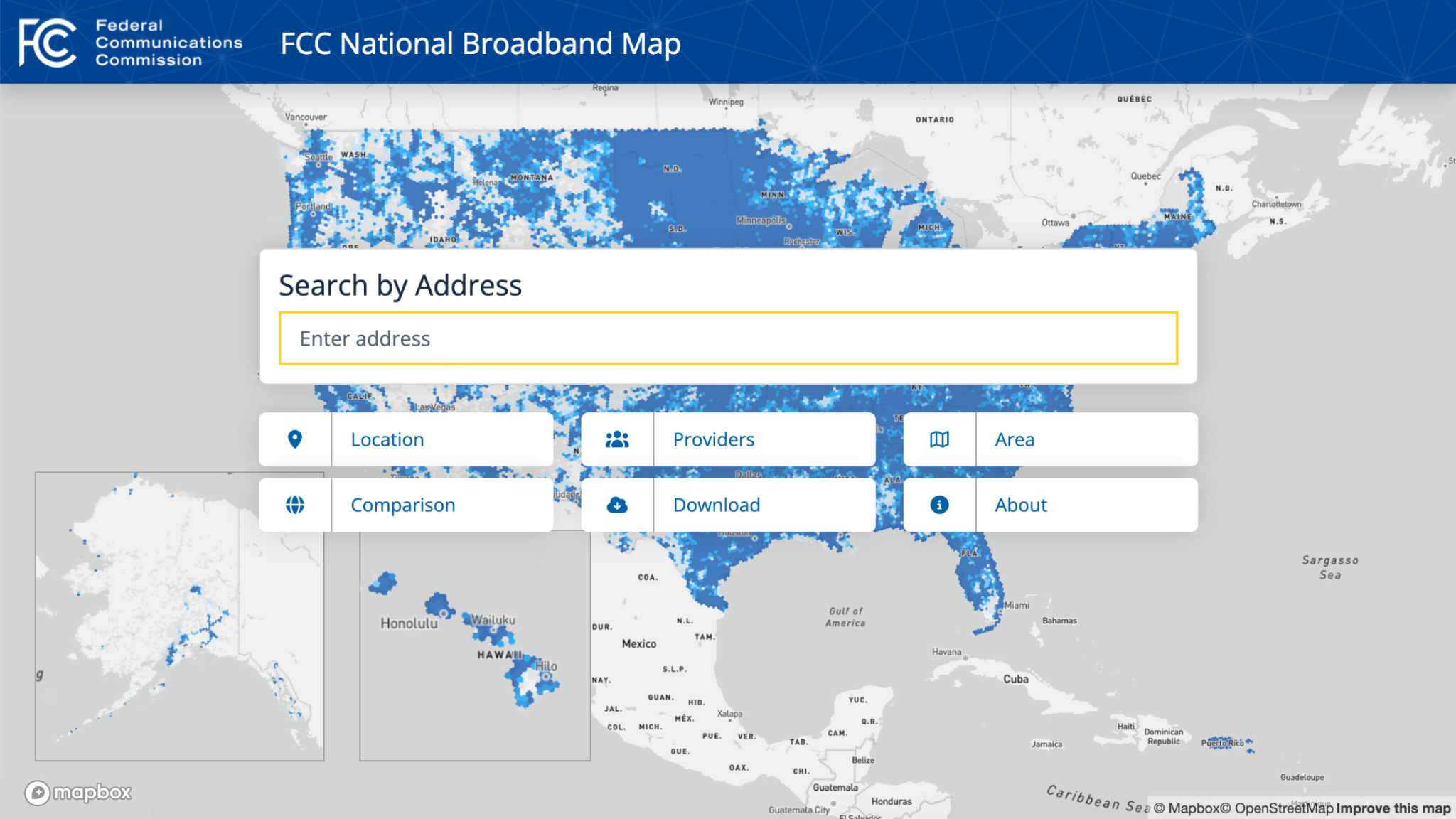
In each of these scenarios, Atlas v3 removes friction, so teams can focus on outcomes, not infrastructure.
A new standard for self-hosted mapping
Atlas v3 represents a fundamental shift in how mapping software is deployed in secure environments. It removes the traditional barriers — complexity, overhead, and the burden of self-maintaining data — and replaces them with a solution that is lightweight, flexible, and built for modern applications.
View the documentation for Mapbox Atlas v3. To discuss pricing and get access, reach out to your Mapbox contact or contact us here.
FAQ about Mapbox Atlas v3
What is Mapbox Atlas v3?
Mapbox Atlas allows developers to run Mapbox global maps on their own infrastructure, including behind a firewall or completely offline. Atlas v3 is a simplified rearchitecture of Mapbox Atlas v2, that uses fewer, and in some cases no, containers. If only using maps, Atlas v3 can be deployed without containers via S3-compatible object storage or you can bring your own server (BYOS). If using Mapbox Search or Navigation APIs, Atlas v3 uses up to 3x less containers than Atlas v2.
What is included with Mapbox Atlas v3?
Atlas v3 includes Mapbox GL JS for web maps and downloadable basemap tilesets, including Mapbox Streets, Mapbox Satellite, and Mapbox Terrain. It also supports custom data and custom map styles, so developers can show the exact map details relevant to their operations or missions. Add-ons are available to support more advanced use cases like 3D terrain, high-resolution satellite imagery, geocoding, navigation, and boundaries.
How is Atlas v3 different from previous versions of Atlas?
Developers can now self-host Mapbox maps, including on fully airgapped networks, without having to install, deploy, or manage any containers.
Previously, self-hosted Mapbox maps required Atlas v2, which used 16+ containers and Docker Compose or Kubernetes to run. This required a lot of resource overhead and complexity to simply add a map to a web application. The containers required regular updates to patch and maintain. The lighter footprint of Atlas v3 not only saves time and reduces costs, it also means Atlas v3 can be deployed to more resource-constrained environments out in the field, including vehicles and airplanes.
How does Mapbox Atlas v3 work?
The maps in Atlas v3 consist of two components: Mapbox GL JS and Mapbox basemap tilesets in PMTiles format. Since the maps in Atlas v3 are containerless, there are no additional containers to install, deploy, or maintain.
Atlas Search and Atlas Navigation still use containers, but use up to 3x less containers than Atlas v2. Unlike Atlas v2, Search and Navigation can be deployed standalone without requiring maps. Search and Navigation can be deployed via either Docker Compose or Kubernetes.
What are some use cases for Mapbox Atlas v3?
Here are some common Mapbox GL JS use cases popular with self-hosted Atlas customers:
- Telecommunications coverage and asset maps to improve network planning, expansions, performance, monitoring, and maintenance
- Utilities power line operational maps in airgapped control centers to ensure the power grid stays online with no interruptions
- ‘Find a provider’ maps for health insurers staying compliant with HIPAA, so that their members can easily find an in-network doctor near them
- Planning and reconnaissance for military and diplomatic missions, including high-res imagery analysis and 3D terrain
- Airplane back-of-seat maps for passengers so they can track flight progress
- Electronic flight bag (EFB) applications for pilots for flight plans, including routing around hazardous weather
- Maps for first responder situational awareness applications to find and save lost hikers or skiers
- Asset and drone tracking in the field for law enforcement or first responders responding to emergencies
- Adding self-hosted Mapbox maps to the self-hosted version of a SaaS platform that is already using Mapbox.com for maps
What tilesets are included in Atlas v3?
Mapbox Streets (updated monthly with roads, transit, and POIs), Mapbox Satellite, and Mapbox Terrain tilesets are included for purchase with Atlas v3. These maps are up-to-date and production-ready, consistent with Mapbox.com data, and capable of rendering 3D buildings and terrain.
Can developers use custom tilesets with Atlas v3?
Yes, they can use Mapbox Studio on their Mapbox.com account to create a custom style, then export the style specification file and use it with Mapbox GL JS. For details, see the instructions on custom map styles on Atlas v3.
Can developers use Mapbox Studio with Atlas v3?
Yes, they can use Mapbox Studio on their Mapbox.com account to create a custom style, then export the style specification file and use it with Mapbox GL JS. Fully self-hosted Mapbox Studio is not available in his release of Atlas v3.
How can developers migrate from Atlas v2 to Atlas v3?
To migrate from Atlas v2 to Atlas v3, first set up and install Atlas v3 according to the instructions in the Atlas guide in the Mapbox documentation.


Related articles
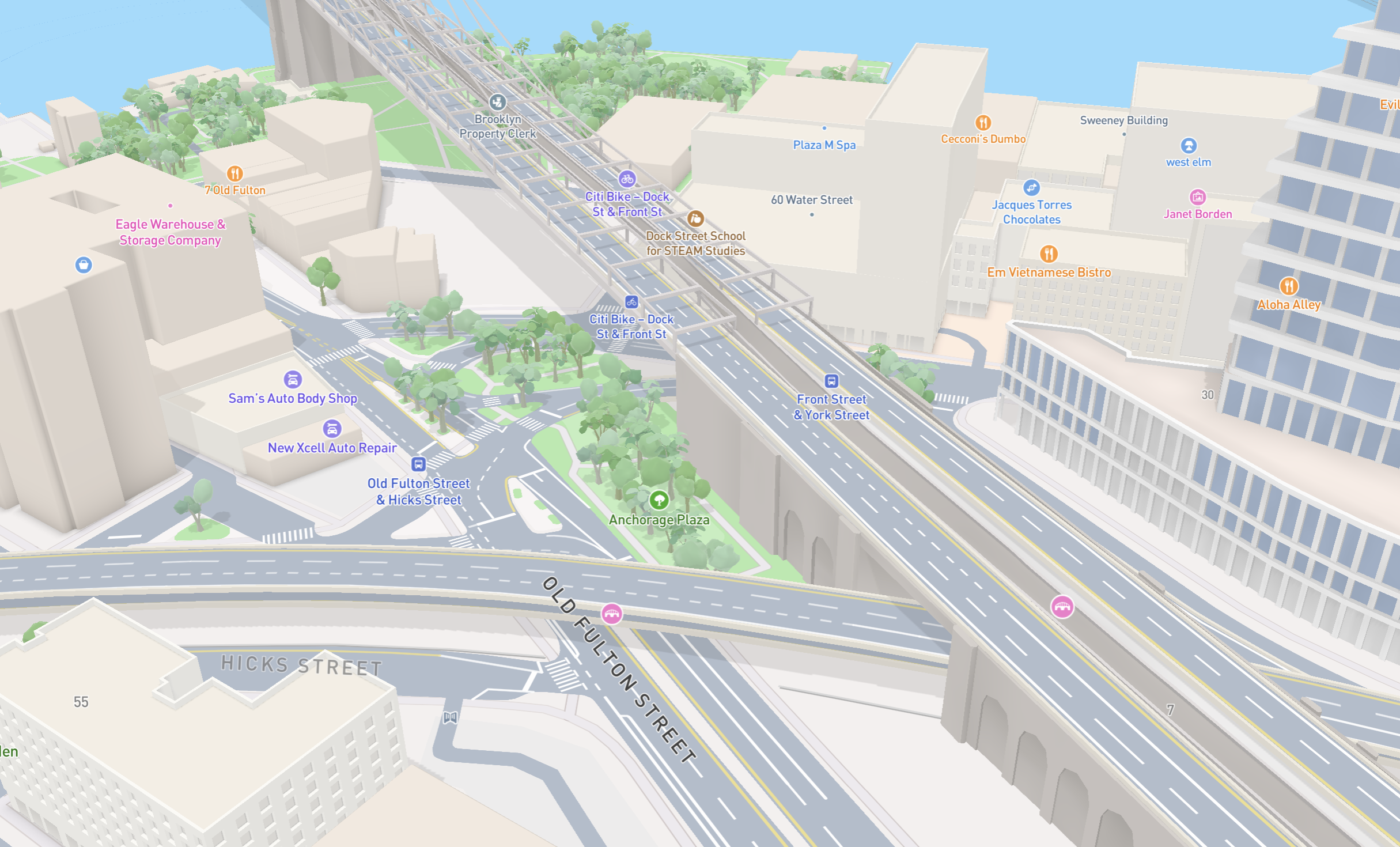
New road detail in Mapbox Standard
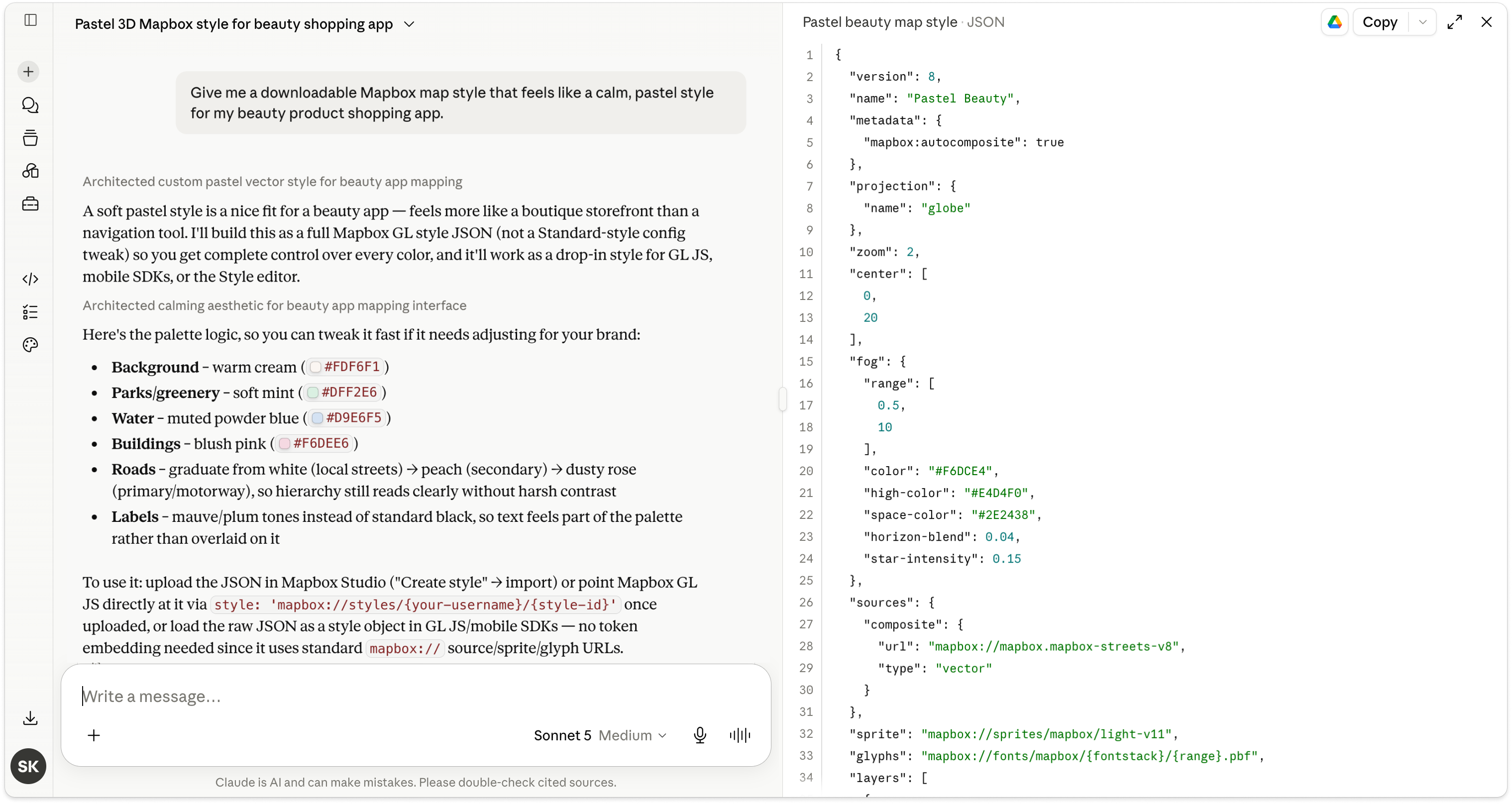
Turn AI-generated map styles into production-ready maps in minutes with Mapbox Studio