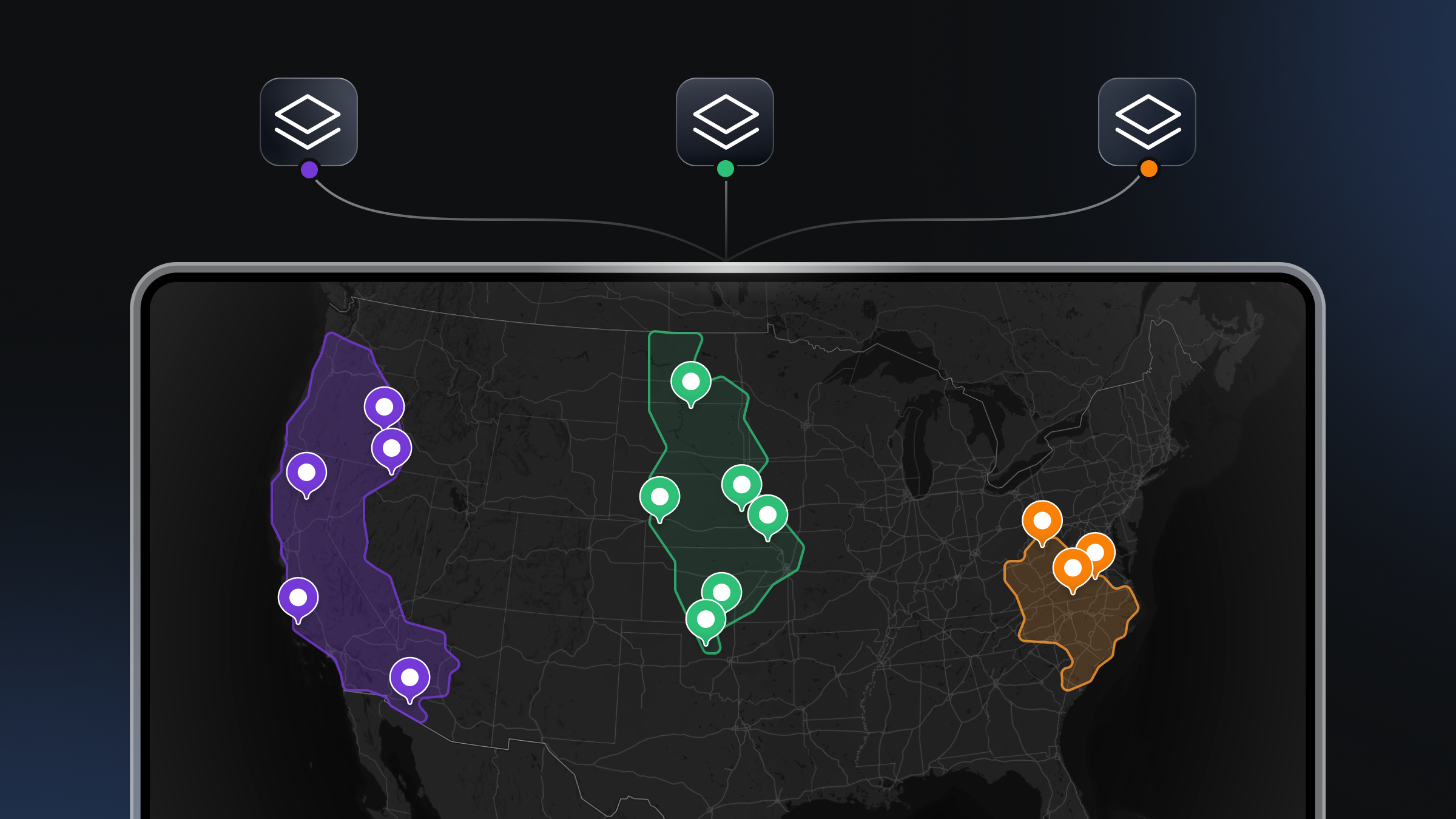
For developers building high-performance mapping applications, the map itself is often just the canvas. The real value comes from the data layered on top — proprietary datasets, custom boundaries, or sensor feeds.
When developers need to visualize this custom geospatial data, the challenge is not only about rendering points on a screen. The challenge is also about the entire infrastructure required to ingest, process, host, and serve that data at scale. Developers are effectively making a choice between building their own geospatial backend or adopting a managed cloud platform.
This post explores the architectural considerations for hosting custom geospatial datasets, focusing on the "bring your own data" (BYOD) model. We examine what is required to maintain low latency and high throughput for web and mobile applications, and how different cloud approaches handle these demands.
The infrastructure of modern mapping applications
To understand which platform is best suited for your needs, it is helpful to break down what actually happens between a raw geospatial file (like a GeoJSON or Shapefile) and a rendered map on a user's device.
Raw geospatial data is rarely suitable for direct rendering on a client, especially as dataset sizes grow. A 500MB GeoJSON file cannot be sent to a mobile phone browser without crashing the application. To solve this, data must be transformed into vector tiles—small, efficient chunks of data that load only when the user is looking at that specific area of the world.
A complete hosting architecture typically requires:
- Storage: Secure, redundant storage for raw source files.
- Processing pipeline: A system to validate geometry, distribute processing loads, and slice data into vector tiles.
- Tiling service: A mechanism to organize these tiles into a pyramid structure (zoom levels).
- CDN & caching: Global distribution to ensure low latency regardless of where the user is located.
- Update mechanism: A way to push changes (incremental or full) without downtime.
Developers often start by stitching together open-source tools (like Tippecanoe or PostGIS) with generic cloud storage (AWS S3, Google Cloud Storage). While this offers maximum customizability, it shifts the burden of scaling, security, and maintenance entirely onto your engineering team. As your application grows, the hidden costs of managing this infrastructure — specifically the engineering hours required to maintain tile servers and optimize database queries — can outpace the cost of managed solutions.
The managed cloud approach: efficiency and scale
For many teams, the most effective route is a managed geospatial platform that abstracts the complexity of tiling and distribution. This allows developers to focus on the application logic rather than the plumbing of map delivery.
When evaluating managed cloud platforms for geospatial data, you should look for specific capabilities that drive performance and developer experience.
Parallelized data processing
One of the biggest bottlenecks in self-hosted solutions is processing time. Converting massive datasets into vector tiles is computationally expensive. If you are processing data sequentially, a large update could take hours or even days to reflect on your map.
Superior cloud platforms utilize distributed and parallelized processing architectures. For example, the Mapbox Tiling Service (MTS) uses this approach to process datasets of any size into custom tilesets. By breaking the job into smaller tasks running simultaneously, MTS is significantly faster than traditional sequential infrastructure. This speed is critical for applications that rely on fresh data, such as logistics tracking or environmental monitoring.
Granular control over data transformation
Automated processing shouldn't mean losing control over how your data is represented. Different zoom levels require different levels of detail. You don't need every curve of a hiking trail visible when viewing a map of the entire country; you only need high fidelity when the user zooms in.
The best platforms offer configuration rules (often called "recipes") that tell the tiling service exactly how to process the data.
With the Mapbox Tiling Service, recipes provide fine control over tile generation. Developers can specify:
- Simplification: Reducing geometry complexity at lower zoom levels to improve performance.
- Zoom level extent: Defining exactly which zoom levels (e.g., z0 to z14) should be generated.
- Attribute manipulation: transforming or filtering data properties before they reach the client.
- Geometry unioning: Merging features to create cleaner visualizations.
This level of control ensures that the resulting tiles are optimized for network transfer and client-side rendering, balancing visual fidelity with application performance.
Incremental updates
In the early days of digital mapping, updating a map meant re-processing the entire dataset. If you changed one speed limit on one road segment, you might have to re-render the whole city.
Modern high-performance applications cannot afford that latency. Look for platforms that support incremental updates. This capability allows you to send only the changes — the "deltas" — to the tiling service.
The Mapbox Tiling Service supports this workflow specifically to help developers keep maps fresh. Instead of exporting and uploading a full dataset for every minor change, you simply push the updates. The system integrates these changes into the existing tileset continuously. This significantly reduces bandwidth usage and processing time, allowing developers to build dynamic maps that reflect the real world with minimal delay.
This capability is particularly vital for industries where data changes constantly, such as real-time logistics, ride-sharing, or news organizations covering rapidly developing events.
Security, privacy, and access control
When you bring your own data to a cloud platform, security is paramount. Geospatial data often contains sensitive information, from proprietary business intelligence to private user locations.
A robust platform must offer granular access control. It is not enough to simply have a private or public switch.
Mapbox supports this through a flexible token management system. Developers can create, rotate, and revoke access tokens, as well as monitor their usage. Tokens can be scoped to specific Mapbox APIs and services, helping ensure that applications only have access to what they need.
Access can also be restricted by URL, allowing developers to limit where tokens can be used (for example, specific domains or applications). This adds an additional layer of control for client-side integrations.
For larger organizations, Mapbox also supports SAML-based Single Sign-On (SSO), enabling teams to manage access securely without sharing credentials. This aligns with modern security requirements across enterprises and public sector organizations.
Developer experience and tooling
The “best” platform is often the one that fits most naturally into your existing development workflow. If a platform requires you to learn a complex proprietary interface just to upload a file, it adds friction.
Look for platforms that offer diverse interaction methods:
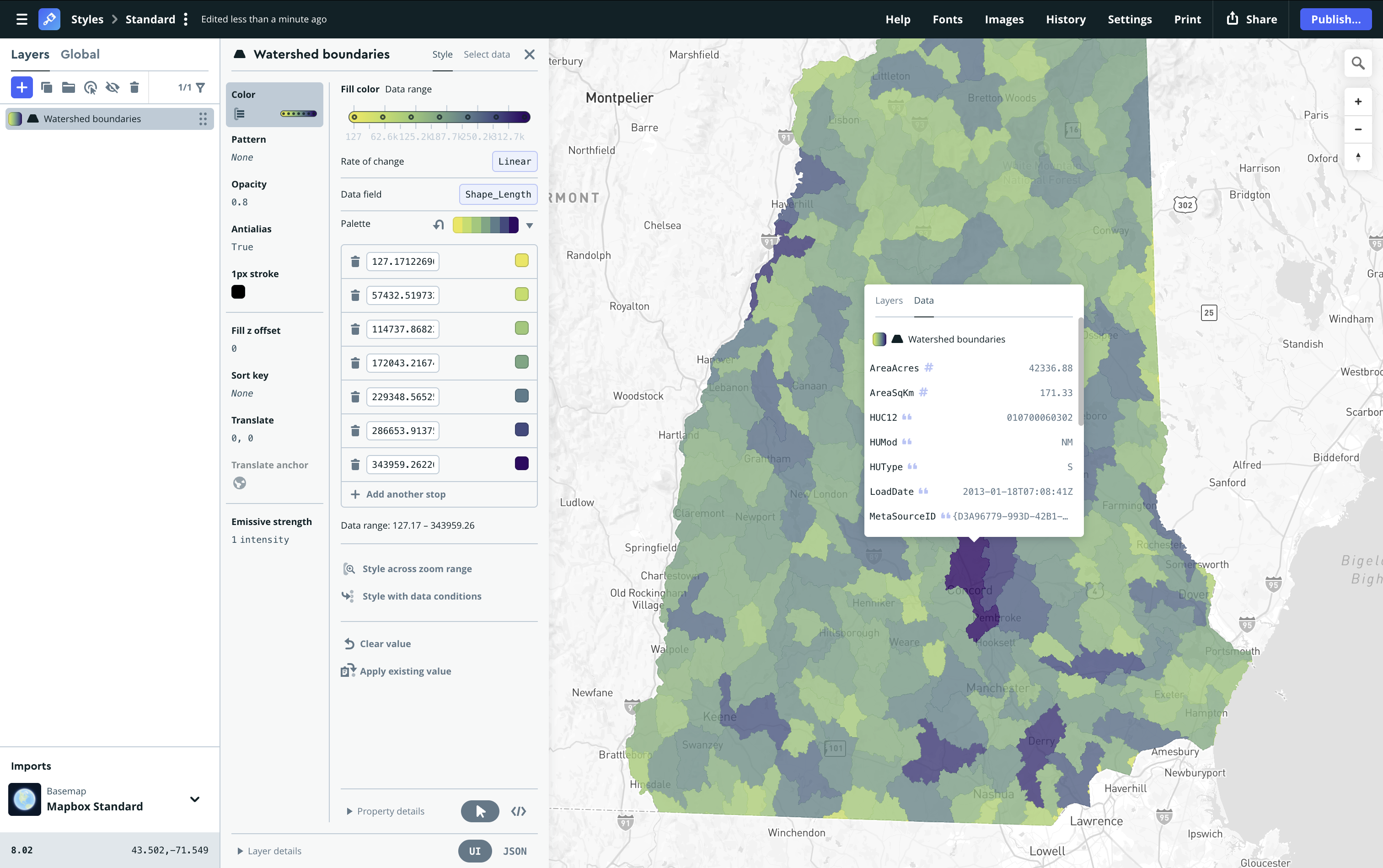
- Visual interface with intuitive UX: A toolbox with drag-and-drop simplicity, live data editing and styling, and visual previews of changes before tileset publishing make working with custom map data much more efficient. Mapbox has a tool that makes it much simpler to upload and manage custom data for your maps. With the Data Workbench you can:
- Drag and drop data into the Mapbox platform with little to no preliminary clean-up.
- Edit data directly on the map or in a table view without needing to leave the platform.
- Preview and test different MTS recipes that convert your source data into vector tiles.
- Preview how data looks on the map before you create a tileset.
- Command Line Interface (CLI): For quick uploads and scripting. The Mapbox Tilesets CLI is a Python-based tool that gets developers up and running in minutes, allowing for scriptable, repeatable workflows.
- API access: For deep integration into your backend. You should be able to access services programmatically using HTTP API endpoints to prepare and upload data as part of your CI/CD pipelines.
- Visual explorers: Sometimes you need to see the data to debug it. Tools like the Mapbox Tileset Explorer provide X-ray data previews, tile size metrics, and job histories, giving you near real-time visual feedback on your processing jobs.
Integration with client-side rendering
Hosting the data is only half the battle; the platform must also serve it in a format that client-side SDKs can consume efficiently.
The integration between the hosting service and the rendering engine is crucial. Data processed by the Mapbox Tiling Service is optimized for the Mapbox Maps SDK (for iOS, Android, and web) and Mapbox Studio.
This tight integration unlocks design capabilities that generic tile servers struggle to match. Because the data is structured effectively:
- Designers can style the data in Mapbox Studio, controlling every visual aspect without writing code.
- Developers can programmatically adjust styles on the fly using the SDKs.
- Performance is maintained because the simplified geometries defined in your recipes match the rendering capabilities of the map client.
For example, a developer can upload a dataset of city infrastructure, process it with MTS to include specific attributes, and then use Mapbox Studio to create a visualization where pipes are colored by age and sized by diameter. This map can then be served to millions of users with the same performance profile as the base map itself.
Cost and scalability considerations
Finally, cost efficiency is a major factor in platform selection. Building your own infrastructure has high fixed costs (server maintenance, DevOps time) and unpredictable variable costs (e.g., egress fees, scaling challenges during traffic spikes).
Managed platforms generally operate on a consumption model, but they also save money on the hidden costs of data processing. The Mapbox Tiling Service is designed to be cost-effective by handling the heavy lifting of processing. It saves developers money by integrating custom datasets of any scale faster and cheaper than maintaining custom servers.
More importantly, it solves the scaling problem. Whether you are serving a thousand users or a hundred million, the infrastructure adapts. Mapbox serves over 700 million monthly active users, supporting the scale of major customers like The Weather Channel, T-Mobile, EasyPark, and AllTrails. By using a platform proven at this scale, developers avoid the 'success disaster’ where an app becomes popular, and the custom backend crashes under the load.
Choosing the right cloud platform for geospatial data
Choosing the right cloud platform for your geospatial data is a strategic decision. While building a custom solution from scratch offers theoretical control, it often results in technical debt and maintenance headaches.
For most high-performance mapping applications, the ideal solution is a managed platform that offers:
- Parallelized processing for speed
- Incremental updates for freshness
- Granular configuration (recipes) for optimization
- Robust security and access controls
- Seamless integration with client-side SDKs
By leveraging a service like the Mapbox Tiling Service, you enable your team to focus on building features and solving user problems, rather than worrying about the underlying infrastructure of the map. You get enterprise-grade reliability and scale, ensuring your custom data is delivered smoothly to users around the world.



Related articles
New road detail in Mapbox Standard
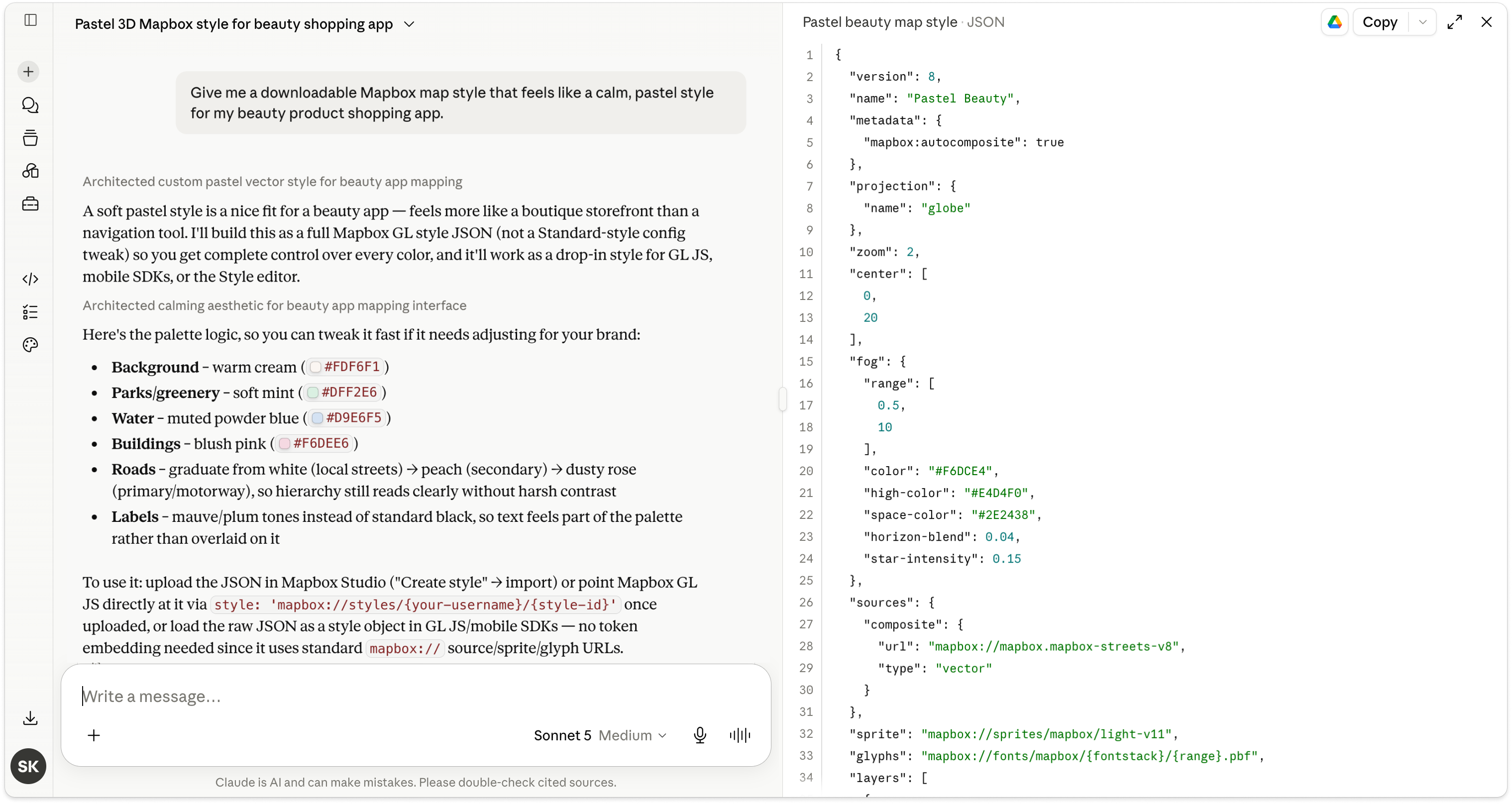
Turn AI-generated map styles into production-ready maps in minutes with Mapbox Studio