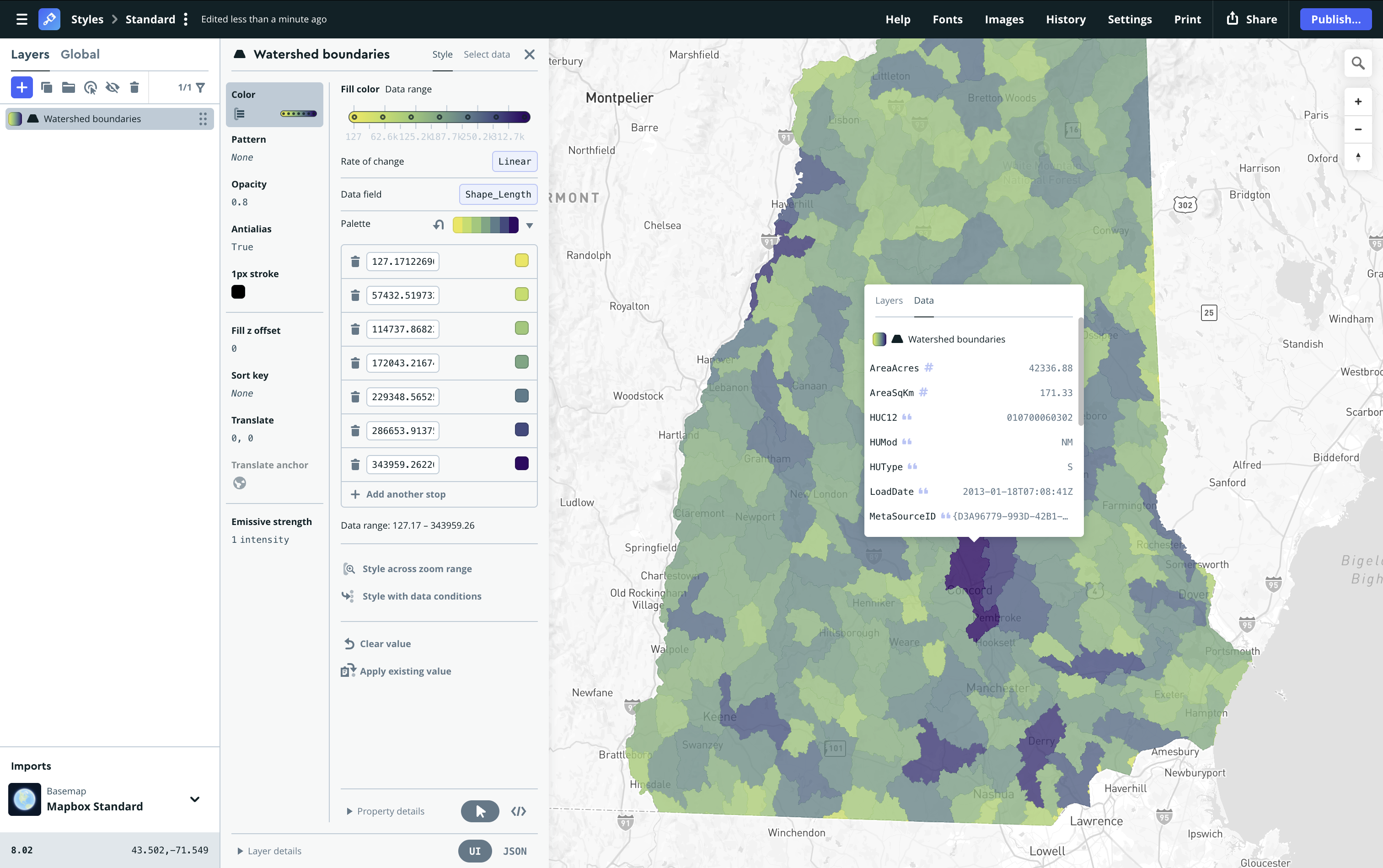
Build indoor airport maps with the new Mapbox airport indoor maps tileset
Launch airport indoor maps faster with pre-styled data in Mapbox Standard, or customize every detail to fit your app.
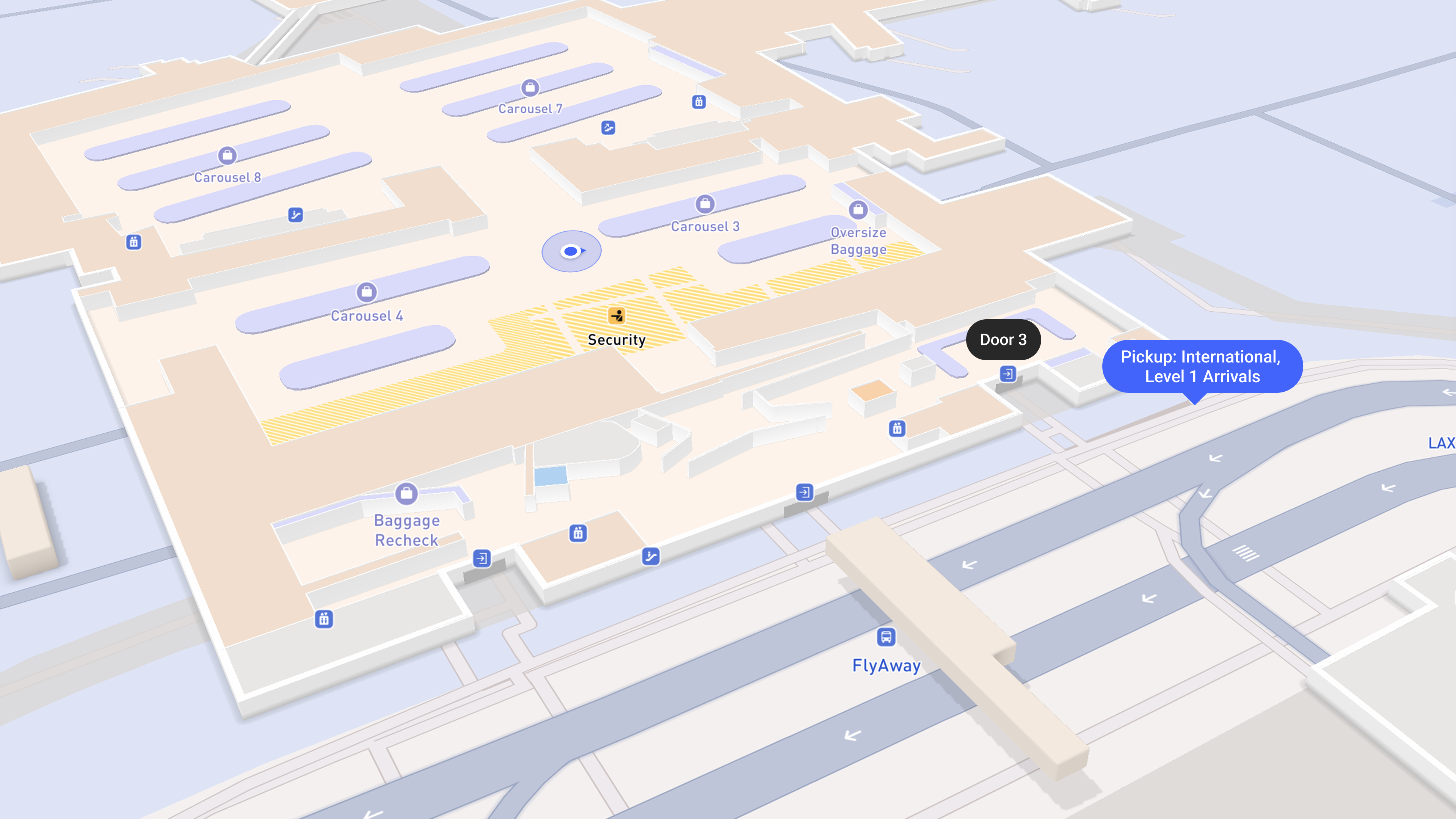
Developers can now add detailed indoor airport maps to their application using the new Mapbox airport indoor maps tileset. Designed to seamlessly connect the outdoors and indoors, the tileset helps guide travelers and airport staff through more than 200+ international airports.
The airport indoor maps tileset can be used on the web and mobile SDKs with Mapbox Standard Style, and the tileset can be enabled in Mapbox Studio or via code. Pre-styled indoor layers and UI components are ready to use, reducing the time and resources required to design and maintain indoor maps from scratch. Teams that need more control can customize map styling and interactions to match the specific needs of their product and users. They can also add their own custom layers to show their own data on the indoor maps.
To enable airport indoor maps on both new or existing Mapbox implementations, first set the showIndoor configuration on the Standard Style basemap style import to true, then enable the indoor floor controller by adding the indoorSelector to your mobile or web application. Explore indoor airport maps in action and start building today on Web, iOS, and Android.
// Show the indoor floor selector in your application
mapView.ornaments.options.indoorSelector.visibility = .visible
The challenge of building indoor airport maps at scale
For businesses serving flyers — including airlines, airport operators, retailers, and ride-hailing services — the friction of guiding travelers through sprawling terminals create operational issues, frustrated customers, and lost revenue.
Airlines delay flights for lost or late passengers and manage complaints from loyalty members who cannot find amenities. Ride-hailing companies face canceled rides and lost revenue when riders cannot locate the correct pickup zone. Shops and restaurants lose sales when customers cannot find in-terminal locations.
From a technical perspective, airports are notoriously challenging environments to build accurate interactive maps. Developers struggle to maintain up-to-date floor plan data accurate enough to support reliable and specific maps tailored to specific business needs, often for hundreds of airports at a time. Even when reliable, up-to-date data is available, building an indoor map requires complex logic such as floor switching and outdoor-to-indoor map transitions.
An integrated solution for indoor airport maps
Mapbox delivers indoor airport map data as a ready-to-use vector tileset that integrates directly into existing map applications. The tileset removes the need to combine and update disparate airport data sources. Indoor environments become a natural extension of the broader, continuously updated Mapbox platform.
The Mapbox airport indoor maps tileset features floor plan data for 200+ international airports, with coverage continuing to expand. The tileset includes terminal footprints, entrances, gates, security checkpoints, lounges, retail locations, and more — available pre-styled in the Mapbox Standard style. Pair the indoor layers with the custom-designed 3D airport models already available in Mapbox Standard to deliver a unified outdoor-to-indoor experience.
Pre-built rendering logic in the Mapbox SDKs for Web, iOS, and Android further simplifies implementation. As users pan or zoom over an airport, the map transitions smoothly from a high-level outdoor view to a detailed indoor floor plan. Once enabled, an integrated floor selector UI lets users switch between floor levels or toggle between indoor and outdoor views.
Fine-tune control for custom implementation
While designed to provide a turnkey indoor airport map experience, developers can also build bespoke experiences. Teams can design custom floor-switching components, integrate proprietary points of interest (POIs) such as service desks or airport lounges. They can add, style and layer other custom data and refine map styling to align with brand guidelines.
For example, airlines can add value to their mobile apps by integrating tailored indoor maps that highlight service desks, premium lounges, and relevant retail locations — keeping frequent flyers happy and creating upsell opportunities.
.png)
Behind the scenes, airport operators and ground service providers can use indoor map applications to optimize terminal logistics, highlight gates impacted by flight status changes, and orient equipment or personnel with precision.
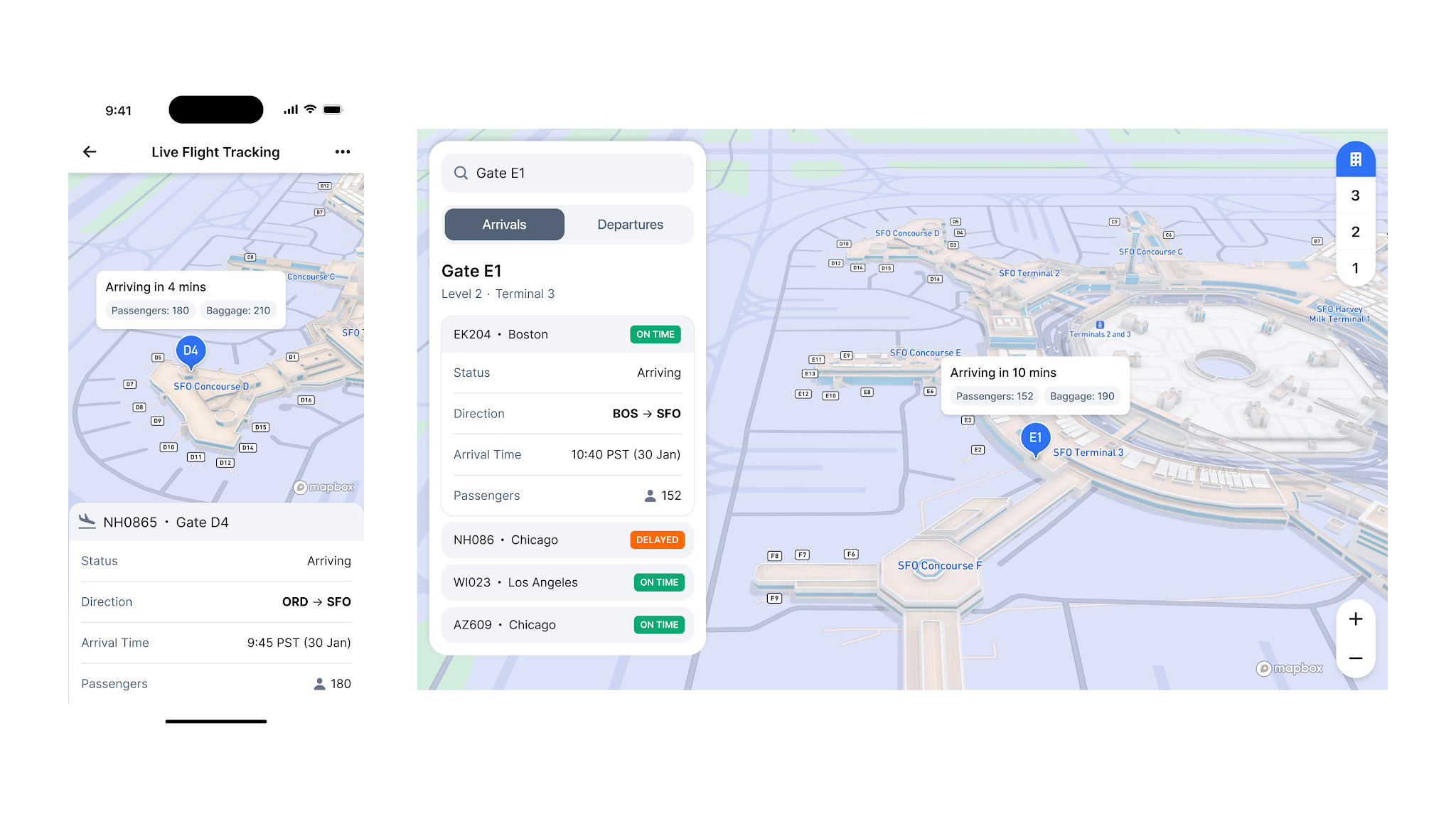
Ride-hailing services can combine Mapbox indoor maps with proprietary pickup zone data to guide drivers and riders to exact meeting points. By providing clear maps and navigation guidance at crowded terminal exits, companies can reduce passenger confusion and prevent canceled rides.
Get started with indoor airport maps
Developers can activate indoor airport maps in two simple steps. First, enable the indoor configuration within the Mapbox Standard style in Mapbox Studio or via code by setting the `showIndoor` configuration on the basemap style import to `true`. Then, enable the indoor floor controller by adding the indoorSelector ornament to your mobile or web application.
Explore indoor airport maps in action in the Mapbox demo application. For full implementation details, review the documentation (Web, iOS, Android, Standard style) and pricing.
Mapbox is exploring indoor maps for additional venue types, including support to style and render proprietary indoor data. Companies interested in shaping the future of indoor maps can connect with Mapbox.
FAQ about indoor maps
What are indoor maps?
Indoor maps are digital representations of the interior layouts of buildings, including floor plans, corridors, elevators, staircases, and points of interest. Indoor maps help users orient themselves inside complex venues where standard outdoor mapping data and GPS signals are often unavailable. By visualizing multiple levels and room structures, indoor maps enable effective wayfinding in environments such as airports, transit hubs, and retail centers.
Mapbox airport indoor maps provides an integrated solution that connects outdoor and indoor environments. Features of Mapbox include detailed floor plans, level selectors, and 3D rendering to help users transition smoothly from a street view into a building interior.
How to create an indoor airport map with Mapbox?
Developers can activate indoor airport maps by following these steps:
- Update to the latest version of the Mapbox Maps SDK for Web, iOS, or Android.
- Enable the showIndoor configuration on the Mapbox Standard Style basemap import by setting it to true.
- Add the indoorSelector ornament to the application to enable the integrated floor level controller.
- Alternatively, use Mapbox Studio to open the Mapbox Standard Style and enable the Indoor configuration.
Documentation:
- iOS: https://docs.mapbox.com/ios/maps/guides/indoor
- Android: https://docs.mapbox.com/android/maps/guides/indoor
- Web: https://docs.mapbox.com/mapbox-gl-js/guides/indoor/
- Standard Style: https://docs.mapbox.com/map-styles/standard/guides/#indoor
What are the key benefits of implementing indoor airport maps in terms of user experience?
The primary benefit is a cohesive mapping experience that removes the friction of switching between different map applications or platforms when entering a building. Users receive clear visual context at complex venues, which reduces stress and confusion during travel. The solution provides an intuitive, pre-styled map experience through the Mapbox Standard Style.
Can you give me examples of how indoor airport maps are used in practice?
Ride-hailing companies use indoor maps to guide passengers from their arrival gate to the precise pickup zone, reducing location errors and ride cancellations.
Airlines integrate indoor maps into mobile apps to highlight service desks, premium lounges, and retail locations for frequent flyers.
Airport ground service providers use indoor maps to optimize terminal logistics and orient personnel or equipment with precision.
Retailers use indoor maps to allow travelers to locate specific shops or restaurants within sprawling terminals.
What makes the Mapbox indoor airport tileset different from other airport map solutions already available?
The Mapbox indoor airport tileset is distinguished by several factors:
- Data quality: Mapbox uses a proprietary dataset that undergoes rigorous quality assurance to correct geometry and attribute errors found in raw vendor data.
- Integrated platform: Unlike siloed indoor-only solutions, this is a part of the end-to-end Mapbox platform, ensuring a smooth outdoor-to-indoor transition.
- Developer flexibility: The solution offers deep customization of styling and logic
How can I integrate interactive indoor airport maps into my mobile application using the Mapbox Mobile Maps SDK for Android?
To integrate on Android, you must opt in using the @OptIn(MapboxExperimental::class) annotation.
- Include the indoor selector plugin in the MapInitOptions plugin list: Plugin.Mapbox(Plugin.MAPBOX_INDOOR_SELECTOR_PLUGIN_ID).
- Enable the style configuration by setting the showIndoor property on the basemap style import to true using setStyleImportConfigProperty.
- Enable the floor selector UI by setting mapView.indoorSelector.enabled = true.
Detailed instructions at https://docs.mapbox.com/android/maps/guides/indoor
How can I integrate interactive indoor airport maps into my mobile application using the Mapbox Mobile Maps SDK for iOS?
For iOS, you must include the experimental SPI import: @_spi(Experimental) import MapboxMaps.
- Set the showIndoor configuration property on the basemap style import to true using setStyleImportConfigProperty.
- Set the indoorSelector visibility to .visible on the mapView ornaments.
- This allows the application to handle floor-switching logic and observe state changes via the onIndoorUpdated signal.
Detailed instructions at https://docs.mapbox.com/ios/maps/guides/indoor
How can indoor airport maps enhance customer engagement and operational efficiency?
Indoor maps keep users engaged within an application for the entire duration of a journey, providing more opportunities for service discovery and retail interaction. Operationally, indoor maps help solve the "last 50 feet" challenge by ensuring passengers and service providers arrive at exact locations. This reduces delays and improves overall terminal throughput.
How can I adjust the styling of indoor airport maps to match brand guidelines?
Customize the visual identity of indoor maps using Mapbox Studio or the Mapbox Maps SDKs. This includes adjusting lighting, color themes, and POI density to match your brand requirements. Because the maps use vector tiles, developers maintain full control over the styling without sacrificing performance or data detail.
Standard Style documentation: https://docs.mapbox.com/map-styles/standard/guides/#indoor


Related articles
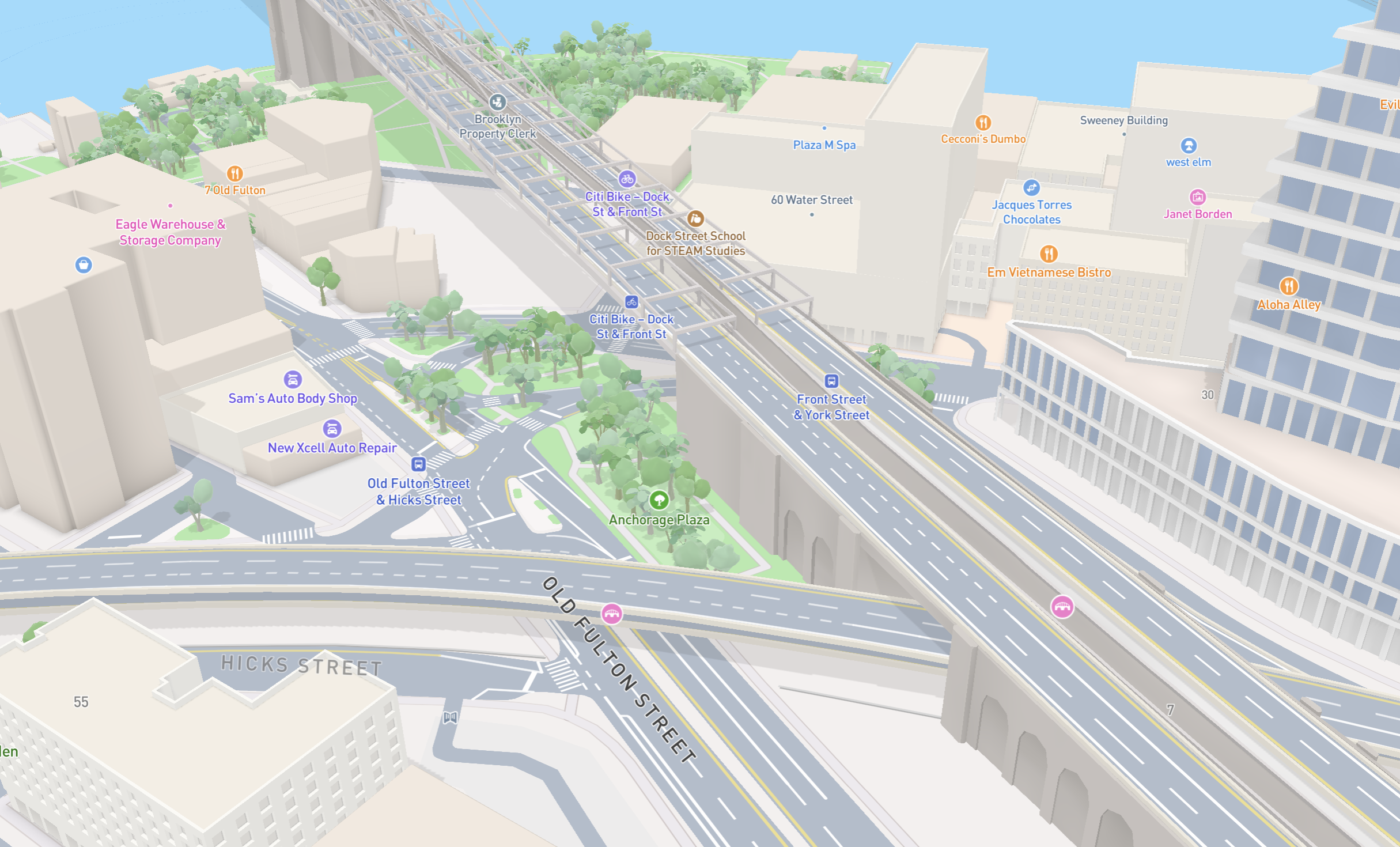
New road detail in Mapbox Standard
Turn AI-generated map styles into production-ready maps in minutes with Mapbox Studio