Mapbox has released support for the Vulkan graphics rendering backend in the latest release of the Maps SDKs for Android. Support is available in public preview to all customers.
This marks an important step toward the future of map rendering on Android. Vulkan provides a modern graphics API designed for improved performance, greater efficiency, and more direct control over GPU operations. As Vulkan adoption continues to grow across Android platforms, Mapbox has invested in bringing these benefits to developers building high-performance map experiences.
What is Vulkan?
Vulkan is a modern graphics API first released in 2016. Since then, it is gradually replacing OpenGL across Android mobile platforms.
It allows for more direct and fine-grained control over how graphics commands are allocated, submitted, and executed by the GPU. It also enables more explicit management of shader compilation and optimization. Together, these capabilities unlock performance improvements for Mapbox customers that are difficult or impossible to achieve with OpenGL.
Because of this, Vulkan has become the preferred graphics API across industries that demand high-performance, low-latency rendering, including gaming, automotive, AR/VR, and advanced geospatial applications. In particular, automotive platforms and next-generation mobile experiences are increasingly adopting Vulkan to power smooth, responsive interfaces across digital cockpits, navigation systems, and immersive 3D environments. As modern map rendering continues to evolve toward more dynamic and GPU-intensive experiences, Vulkan provides the flexibility and performance needed to support these demands at scale.
How Vulkan improves map rendering
Vulkan for map rendering on Android has immediate benefits:
More responsive UI rendering
Vulkan reduces frame spikes and long frames that can cause visible stutter during interactions. This is largely because Vulkan allows graphics resource construction — especially shaders and pipelines — to move away from the rendering thread.
Reduced frame time
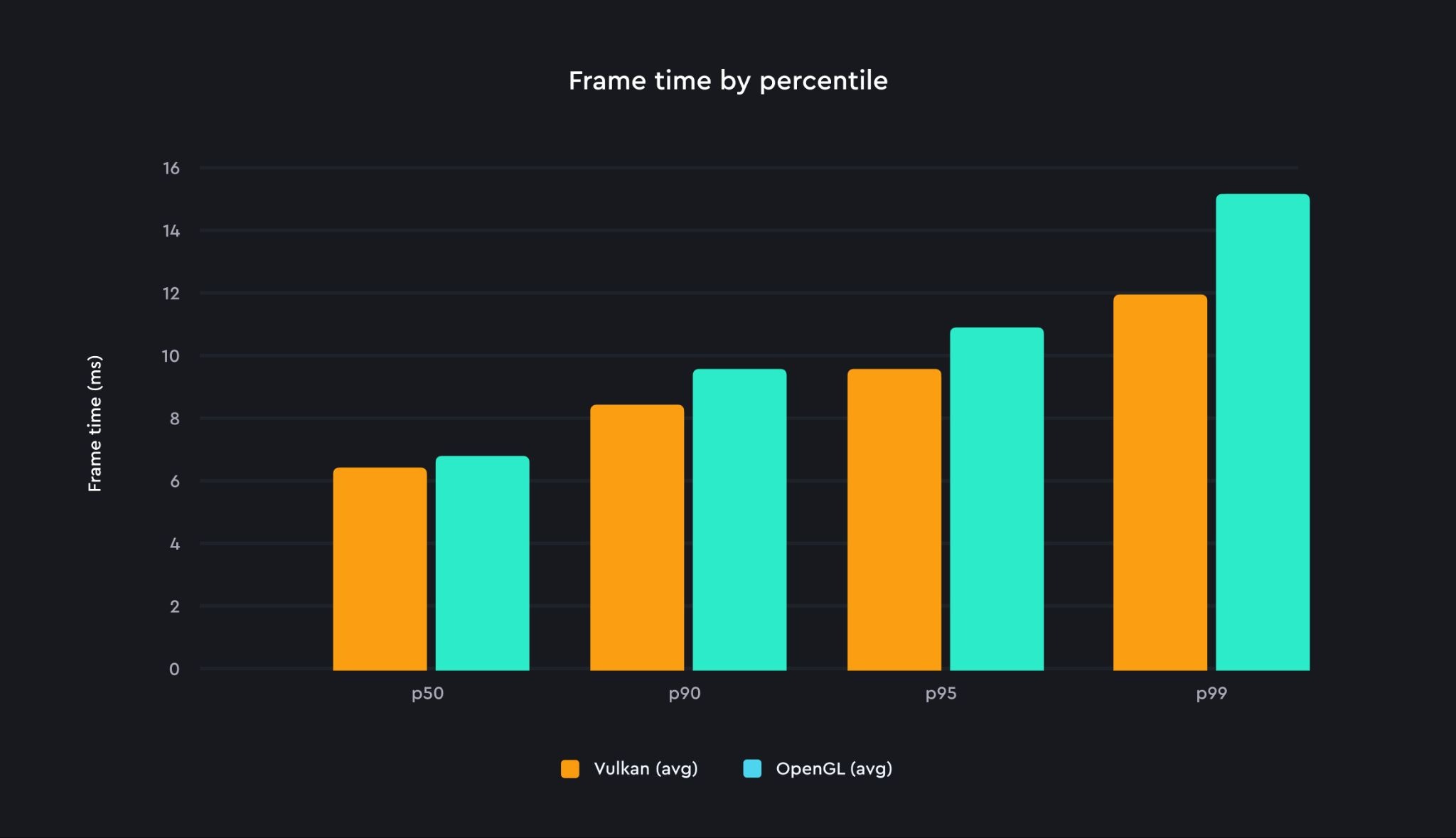
In testing, Mapbox saw approximately 10% lower frame times compared to OpenGL rendering. One contributing factor is that OpenGL drivers typically enforce validation overhead on every API call, while Vulkan minimizes this overhead through its explicit API design.
Frame time improvement was observed during a typical high-zoom panning scenario, on a Galaxy Tab S9 device.
Better development diagnostics
Vulkan supports optional validation layers that help identify API usage issues and performance-impacting behaviors during development. These diagnostics provide visibility into issues that OpenGL cannot easily report.
Enabling Vulkan support
Developers can choose between continuing to use the OpenGL backend or trying the new Vulkan backend in preview. To enable the Vulkan variant of the Maps SDK for Android, developers replace the default core dependency with the Vulkan variant in their build.gradle.kts file:
configurations.all {
    resolutionStrategy.dependencySubstitution {
        all {
            val requested = requested as? ModuleComponentSelector
            if (requested?.group == "com.mapbox.maps" &&
                (requested.module == "android-core" || requested.module == "android-core-ndk27")
            ) {
                val vulkanModule = requested.module.replace("android-core", "android-core-vulkan")
                useTarget("com.mapbox.maps:$vulkanModule:${requested.version}")
            }
        }
    }


}
Current limitations and public preview constraints
In public preview, Vulkan support includes these platform and feature limitations:
- Supported platforms are limited to:
- Android 12 or later
- Vulkan 1.1 or later
arm64-v8aarchitecture
- Older Android platforms are not supported because many devices still ship with immature or unstable Vulkan drivers that can result in rendering artifacts or application crashes.
The following features are not yet supported with the Vulkan backend:
- Custom layers
- Overlaying OpenGL widgets on top of a Vulkan-rendered map
- Automatic fallback to OpenGL if Vulkan is unsupported
MapWidget(Android Auto)MapView.snapshot()- Rain precipitation effects (snow effects are supported)
If Vulkan is selected on an unsupported device, map initialization errors should be expected because automatic fallback behavior is not yet implemented.
Getting started and looking ahead
For Mapbox, Vulkan opens new opportunities to deliver faster and more responsive maps on Android devices while laying the groundwork for future innovations in automotive, spatial computing, and advanced mobile visualization. By moving toward a more modern graphics architecture, Mapbox can continue improving rendering efficiency, frame consistency, and overall user experience as the Android ecosystem increasingly standardizes around Vulkan.
Frequently Asked Questions (FAQ) about Vulkan
What is Vulkan?
Vulkan is a modern graphics API that provides low-level control over GPU operations, enabling more efficient and high-performance rendering compared to older APIs like OpenGL. It is increasingly becoming the standard for advanced Android graphics, including map rendering.
How does Vulkan improve map performance on Android?
Vulkan improves map performance by reducing frame time, minimizing rendering delays, and enabling smoother interactions such as zooming and panning. It also reduces CPU overhead and allows better use of GPU resources, resulting in more responsive map experiences.
Does the introduction of Vulkan support mean Mapbox is deprecating support for OpenGL?
Support for OpenGL continues. However, it is expected that Vulkan will continue to outpace OpenGL in terms of performance and feature richness.
Does Mapbox support automatic backend selection of Vulkan or OpenGL based on device capabilities?
No, there will be no automatic backend selection. Automatic backend selection requires inclusion of both backends which affects the binary size. Right now manual selection is the only option.
Is there support for Vulkan 1.0, Android version 11 or earlier, and armeabi-v7a?
No, there is not support for Vulkan 1.0. Mapbox supports Vulkan 1.1 as it is a reasonable compromise between API richness and device support percentage. There is also no support for Android version 11 or earlier, and armeabi-v7a.
What is the plan for custom layers and OpenGL interoperability?
Future releases will have custom layers supported. All the necessary Vulkan data will be exposed and the developer will be able to use the Vulkan API in a custom layer. In a future release, Mapbox will also support OpenGL interoperability, especially OpenGL widgets overlaying Vulkan based maps.


Related articles
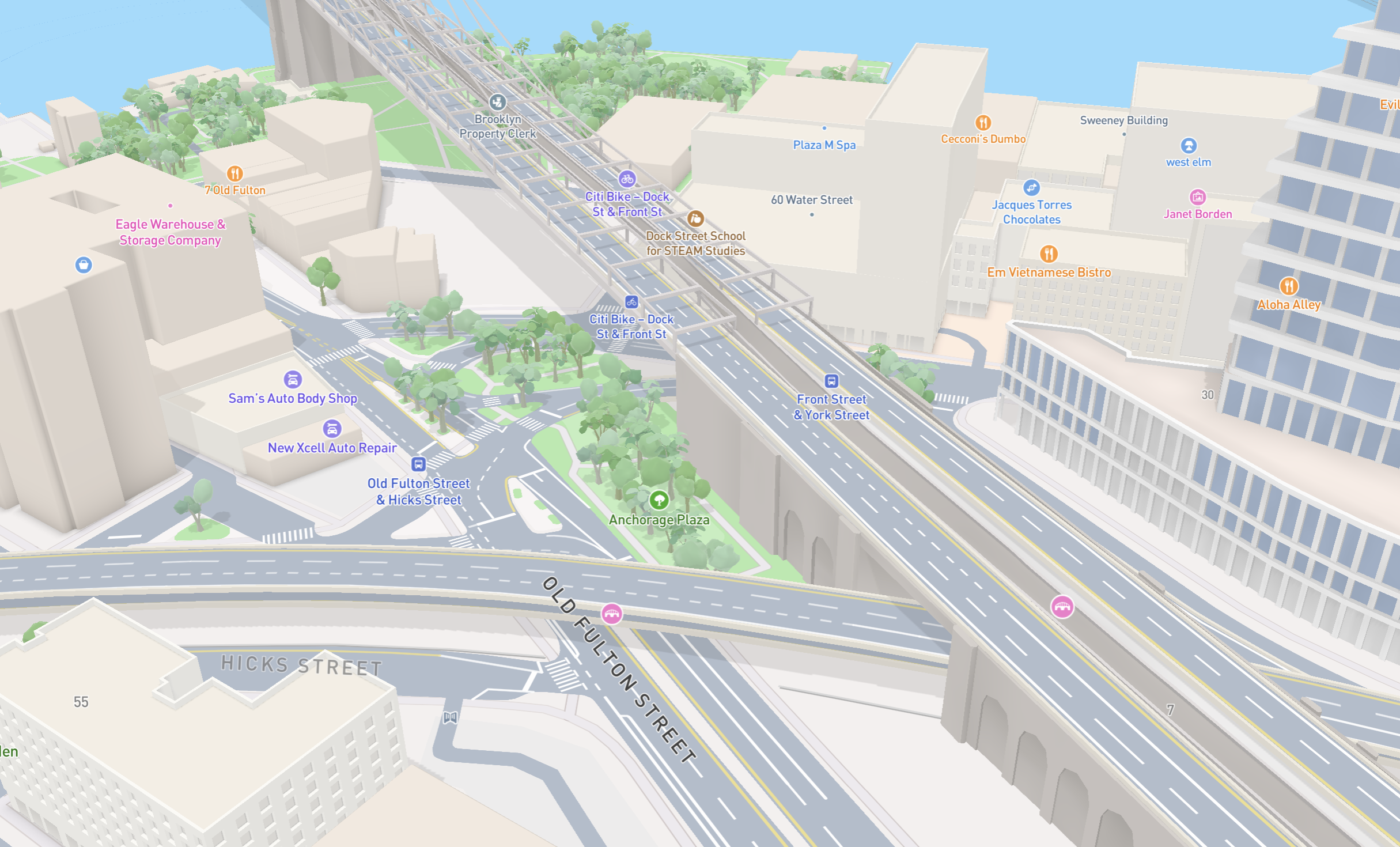
New road detail in Mapbox Standard
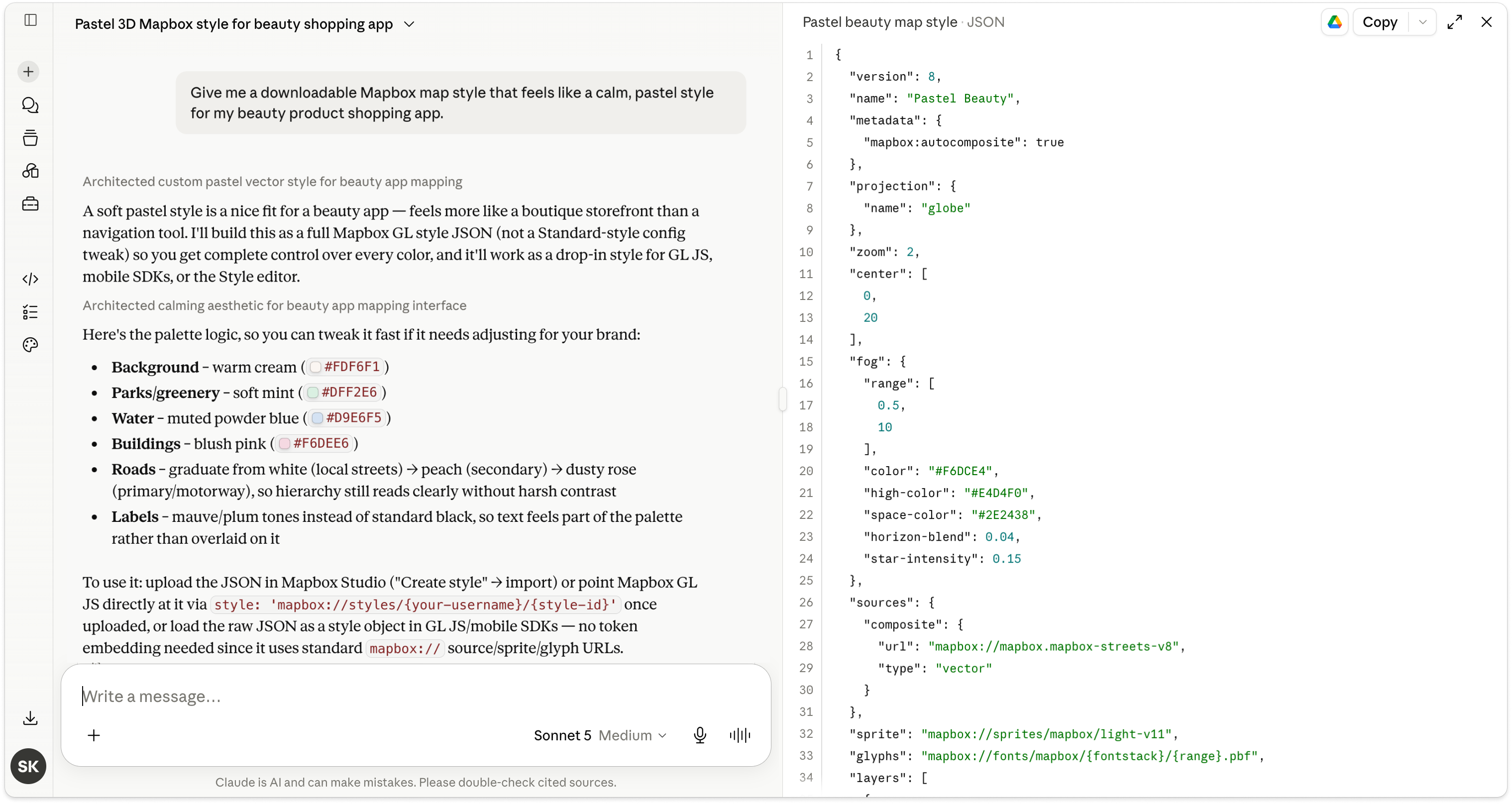
Turn AI-generated map styles into production-ready maps in minutes with Mapbox Studio