In mission-driven environments, decisions often need to happen in seconds. Whether it’s defense, public safety, or intelligence work, teams rely on location data to understand what is happening and what to do next.
But a map alone is not enough. Teams need systems that can keep up with changing conditions, work across different devices, and operate even when connectivity is limited.
This is where Mapbox comes in. By combining maps, search, navigation, and AI, Mapbox helps teams move from raw data to clear decisions faster—while keeping full control of their environment.

Why maps matter in mission workflows
Mission environments often have unique requirements compared to consumer apps, shaped by three realities:
Reliable performance on limited hardware
Field devices, vehicle systems, and secure workstations often have constraints. Maps need to stay responsive even on these systems.
Design tailored to the mission
A map should highlight what matters most—whether that is evacuation routes, infrastructure, or tracked units.
Fresh data combined with mission data
Teams need both current global data and their own operational data in the same view. When these needs are met, the map becomes a central part of decision-making instead of just a background layer.
What makes a mission-ready map
A mission-ready map is not just a visual layer. It is a system made up of several parts working together. A map built with Mapbox benefits from four key components:
Continuously updated global data
The map reflects the world as it is today. Streets, traffic, places, and terrain are updated constantly using large volumes of location signals to avoid outdated information.
Vector-based rendering
Instead of static images, maps are built from vector data. This allows smooth zooming, panning, and rotation—even when showing thousands of data points at once. Raster data layers can still be added to a map when required.
Custom design control
Teams can fully control how the map looks. This includes colors, labels, icons, and even different modes such as day or night. The map can match the needs of the mission, not a generic style.
Integration of custom data
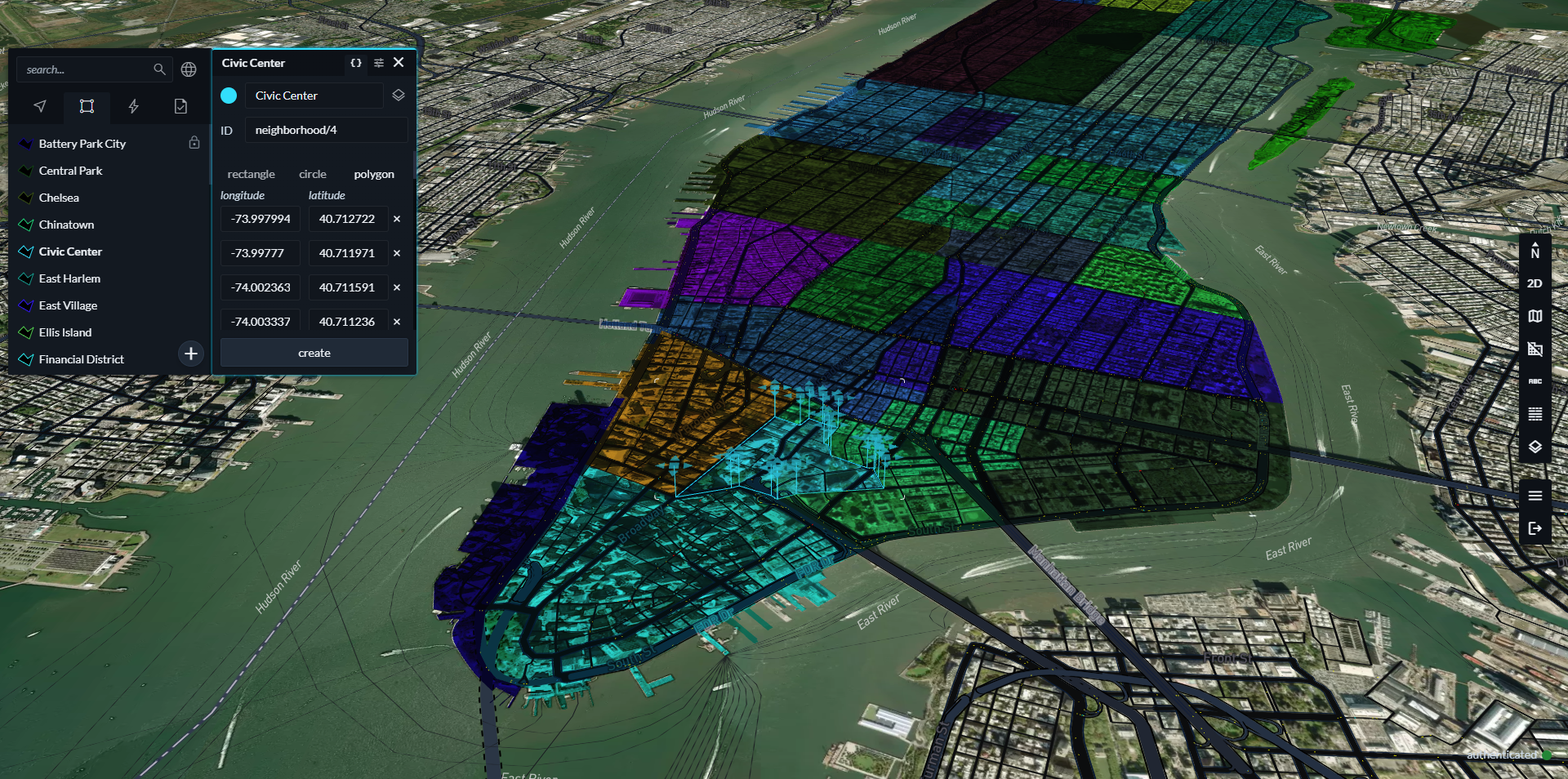
Mission data—such as sensor feeds, imagery, or tracked assets—can be added directly into the map. Everything appears in one place, making it easier to understand the situation. Together, these components create a map that acts more like a tool than a display.

Understanding location with search and navigation
Maps show where things are. But mission workflows often begin with incomplete or unclear information. This is where search and navigation tools come in.
Turning descriptions into coordinates
Search tools convert text, landmarks, or rough descriptions into precise locations. This helps teams move from uncertainty to action quickly.
Understanding what is nearby
Search can also reveal nearby places, infrastructure, and points of interest. This gives context to a location, turning a simple coordinate into a meaningful place.
Analyzing reachable areas
Navigation tools can calculate how far someone or something can travel on roadways within a set time. This is useful for planning response zones or assessing movement.
Cleaning up movement data
GPS data is often noisy. Map matching tools align that data to actual roads and paths, making it easier to interpret.
Adding intelligence with Location AI
Traditional AI systems often struggle with geographic context. They may understand facts but cannot reason about distance, proximity, or movement. Mapbox Location AI connects artificial intelligence with geospatial data and tools. It allows systems to understand and act on location-based questions.
Mapbox Location AI tools can also help teams to build maps faster and make them more user-friendly. Instead of manually building a map view, a user can ask a question like:
“Show everything within five kilometers of this location” and interact with a location-aware Agent to complete the analysis.
Maintain security and control with self-hosted deployments
In many mission environments, data cannot leave a secure boundary. Systems must operate locally and independently. Mapbox Atlas is a version of the Mapbox platform that runs inside environments like a private cloud, local data center, or fully disconnected setup.
With Atlas, sensitive data stays inside your system and you control access and compliance. In situations where connectivity is limited or unavailable, Atlas allows maps, search, and analysis to continue working. This is especially important for field operations, mobile units, and secure facilities.

Bringing it all together
Mission workflows depend on fast, accurate understanding of location.
Mapbox brings together maps, search, navigation, and AI into a single platform that supports the needs of mission environments, helping teams move to clear situational awareness and decision-support, even in complex or disconnected environments.
- Maps provide the visual foundation
- Search and navigation add context and analysis
- Location AI enables faster reasoning
- Atlas gives full control and local operation
This integration allows teams to:
- Build shared operational views
- Respond faster to changing situations
- Work across devices and environments
- Maintain control of sensitive data
Instead of switching between tools, everything works as one system. By combining performance, flexibility, and control, Mapbox provides a foundation for building tools that support critical operations—when time and clarity matter most.
FAQs
What makes Mapbox different from traditional mapping tools?
Mapbox offers full control over map design, supports custom data integration, and provides tools for analysis and AI. It is built for flexibility and mission use cases rather than general navigation.
Can Mapbox work without internet access?
Yes. With Mapbox Atlas, maps and services can run entirely within a local or disconnected environment. This allows continued operation even when connectivity is limited.
How does location AI help in real scenarios?
Location AI allows systems to answer geographic questions quickly by combining AI with mapping tools. This reduces the time needed to analyze situations and make decisions.
What types of data can be added to Mapbox maps?
Teams can add many types of data, including sensor feeds, imagery, tracked assets, and custom datasets. These can be displayed alongside the base map.
Is Mapbox suitable for public safety and defense use?
Yes. Mapbox is designed to support environments where performance, control, and data security are important, including defense, intelligence, and public safety.


Related articles
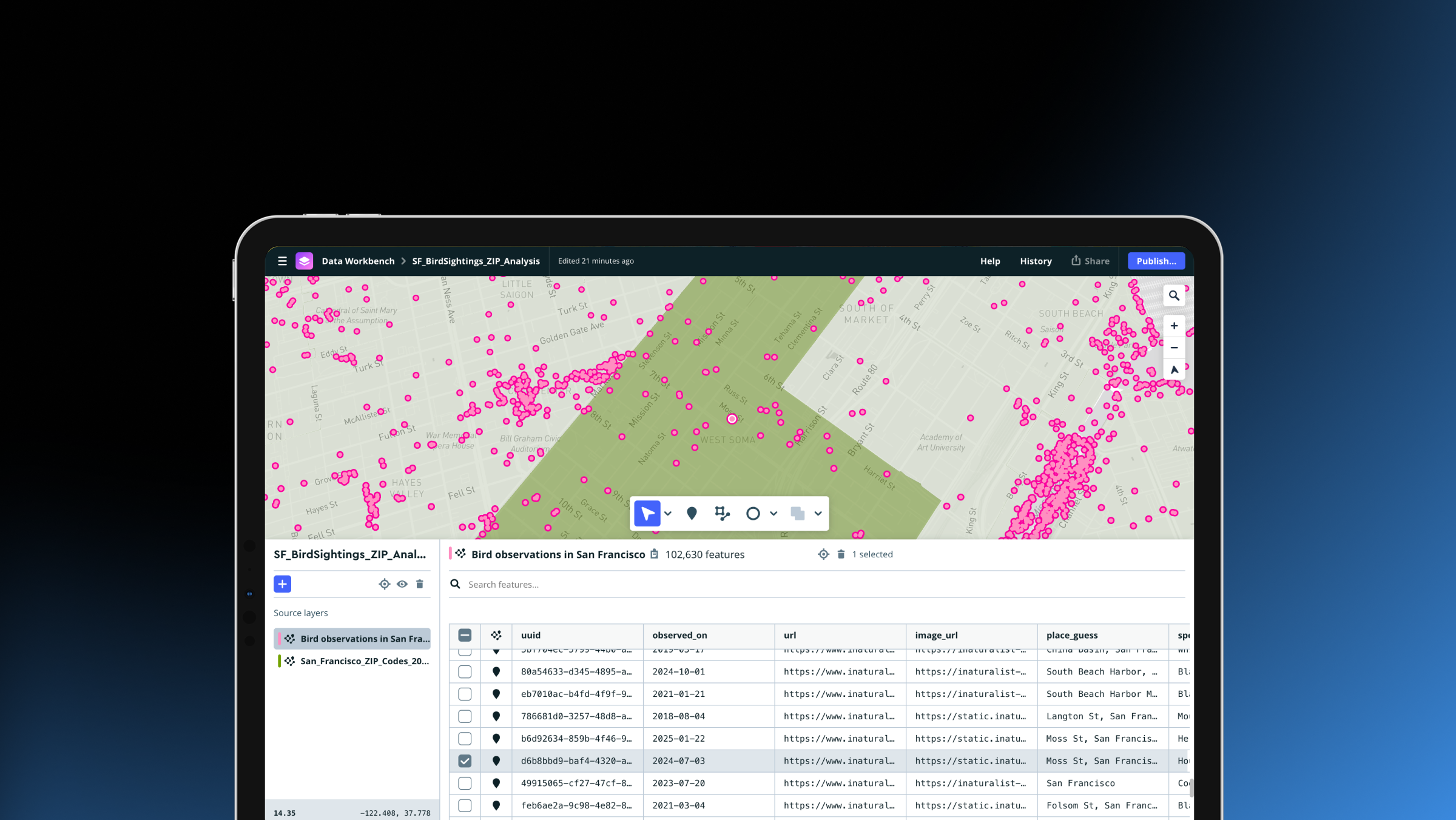
Drag, drop, edit, publish: A simplified workflow for custom data
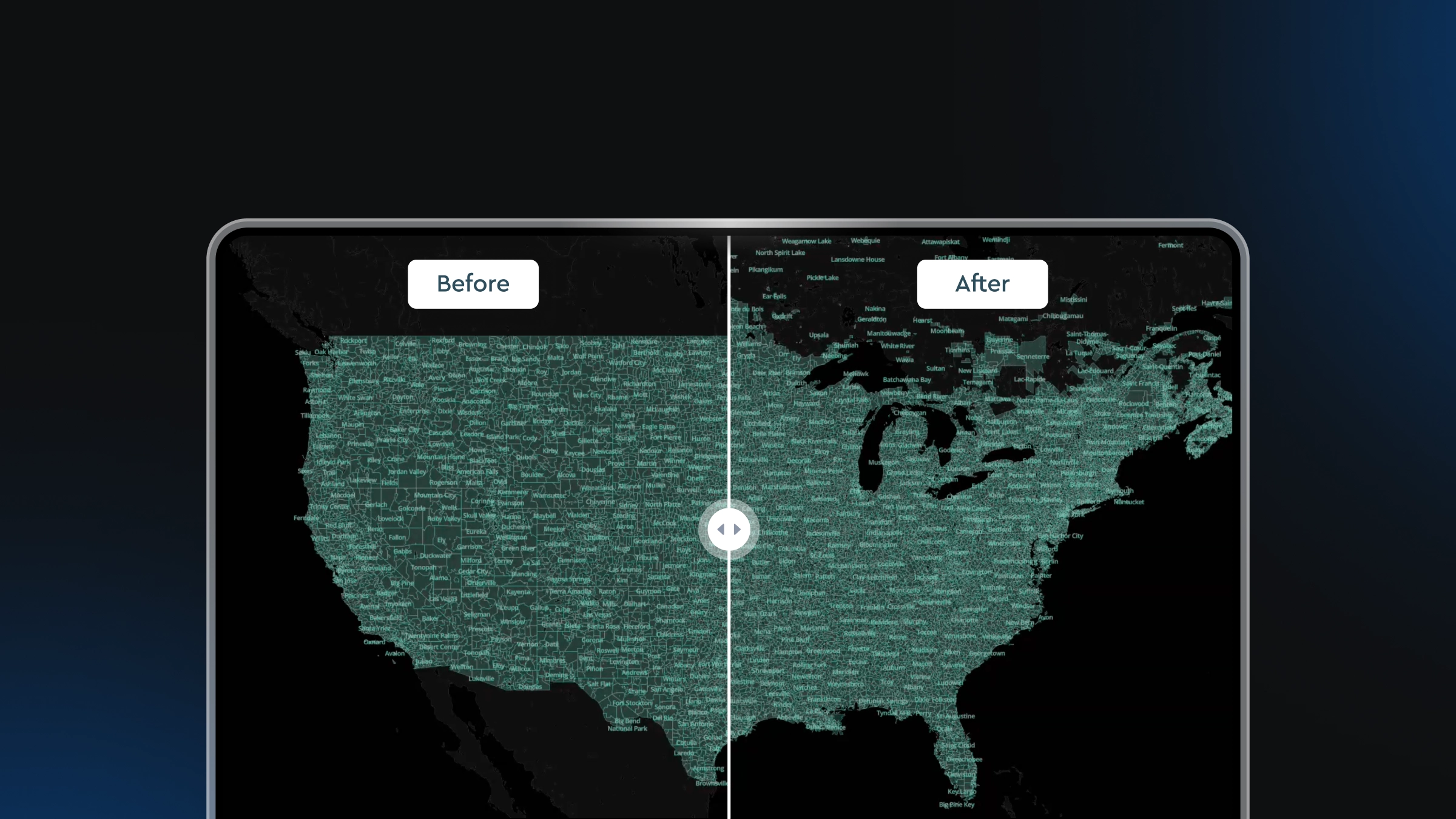
Boundaries 4.6: Expanded global coverage with major updates across the Americas