Introducing the Mapbox plugin for ChatGPT
One plugin for Chat, Work, and Codex
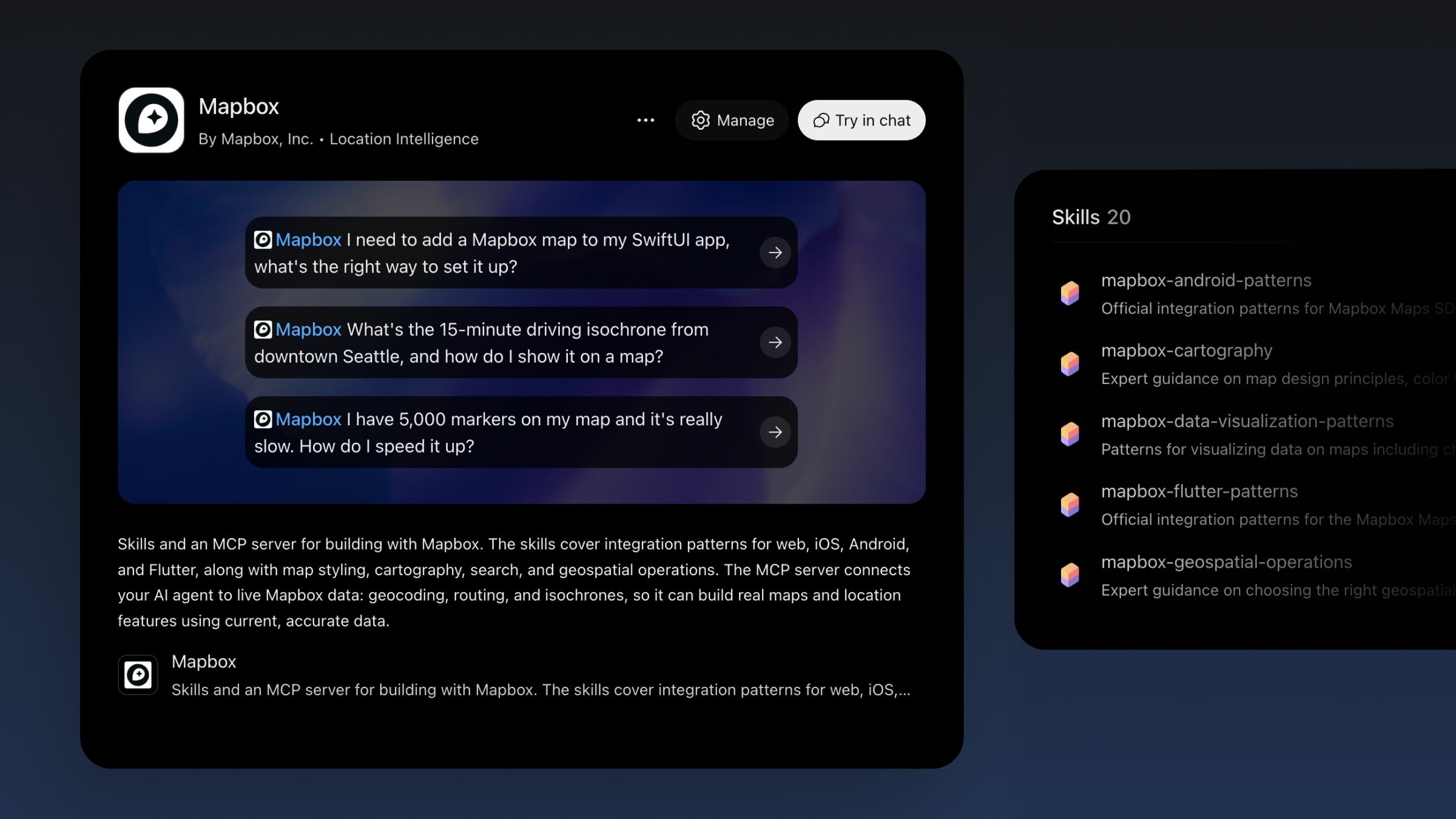
The Mapbox plugin for ChatGPT is now available. One plugin works across ChatGPT Chat and Work modes and in Codex. Install it, link your Mapbox account, and start building with Mapbox.
The plugin runs wherever you use ChatGPT: on the web, on desktop, and on mobile.
It adds 33 tools and 20 skills that let ChatGPT search addresses, plan routes, and map travel times. Build dashboards and websites on ChatGPT Sites, or full applications in Codex. Describe what you want, and ChatGPT picks the right Mapbox tools to build it.
What you can build with the Mapbox plugin for ChatGPT
With the Mapbox plugin, ChatGPT can find any address or place, plan routes with live travel times across multiple stops, show how far you can get in a set time, and plot it all on a live map. Use it to compare store sites, plan a delivery run, or see what's within a 15-minute drive. Then build on it: dashboards and websites on ChatGPT Sites, or web, iOS, and Android apps in Codex.
Here are some ideas for your next build:
Plan a new store location. Compare candidate sites by drive time, foot traffic, and distance to existing stores. ChatGPT maps the options side by side so you can make the call. Try it →
Analyze sales by territory. Ask ChatGPT to build a dashboard that maps revenue by region. See which territories lag and where reps should focus next quarter. Try it →
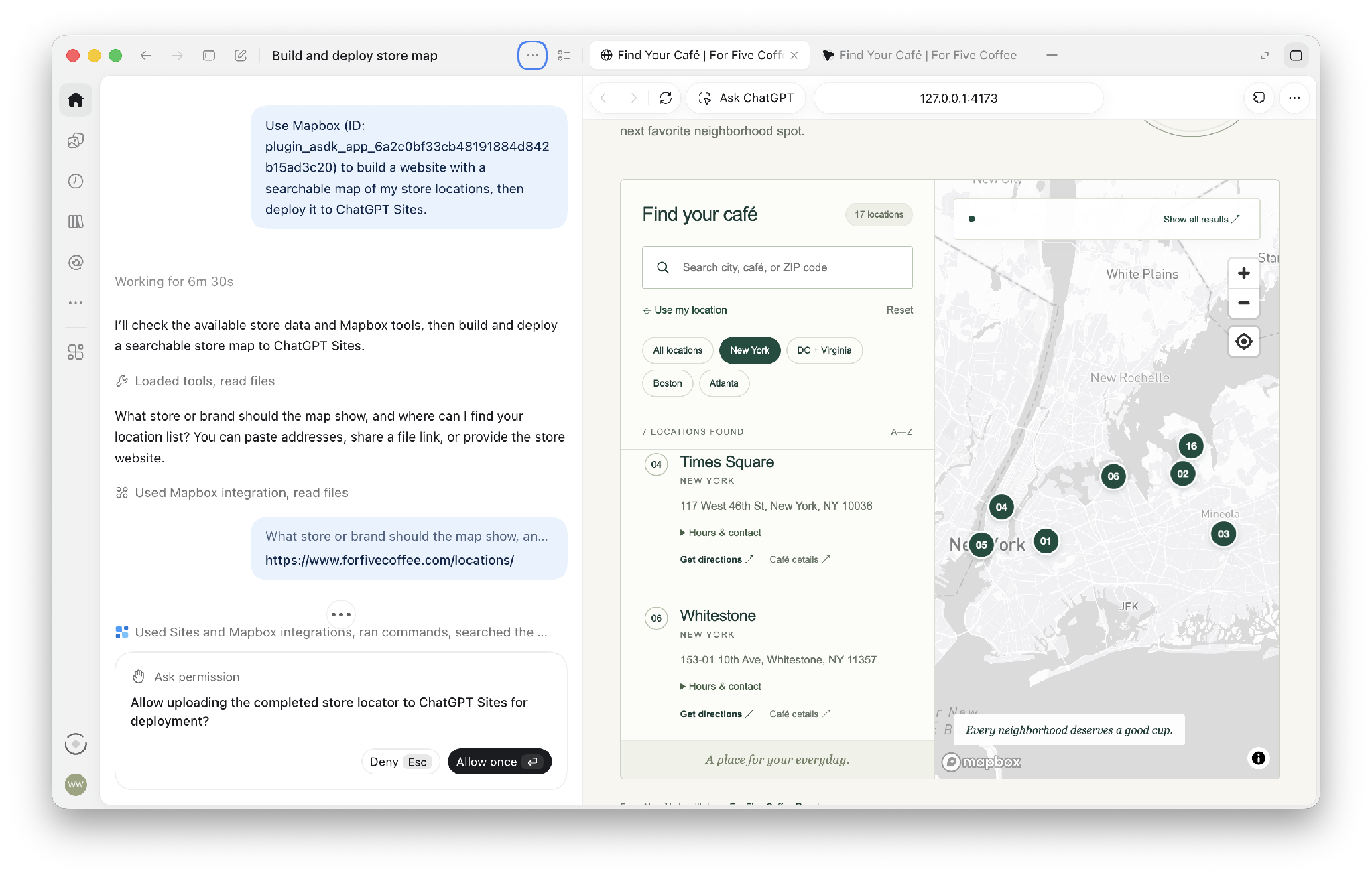
Launch a website with a store locator. Build a site with a searchable map of your locations, then deploy it to ChatGPT Sites. Customers find your nearest store without leaving the page. Try it →
Build a travel planning site. Describe a day trip and ChatGPT builds a site on that maps your stops in order. Each stop gets a clickable card with photos, opening hours, and a link, and the site shows total walking time and distance. Try it →
Add a map to your iOS app. Ask Codex to set up a Mapbox map in SwiftUI. The plugin's iOS skill walks you through installation, your first map, and adding markers. Try it →
50+ tools and skills to help you ship faster
The plugin bundles the Mapbox MCP server, which gives ChatGPT 33 tools for live Mapbox data, and 20 Mapbox Agent Skills, which teach it how to build with Mapbox.
33 tools
- Search and places: search and geocode, reverse geocode, category search, category list, place details, location grounding
- Routing and travel time: directions, travel-time matrix, route optimization, isochrones, map matching
- Maps: interactive maps, static map images
- Geospatial calculations: distance, bearing, midpoint, destination, length, area, bounding box, centroid, buffer, convex hull, simplify, union, intersect, difference, points within polygon, nearest point, nearest point on line
- Utilities: public token list, resource reader, feedback
20 skills
- Platform integration: web, iOS, Android, Flutter
- Performance: web performance
- Design: cartography, style patterns, style quality, data visualization
- Search, navigation, and geospatial: search integration, search patterns, geospatial operations, navigation
- Common use cases: store locators, Google Maps migration, MapLibre migration
- Security: token security
- AI agents: DevKit MCP patterns, MCP runtime patterns, location grounding
How to get started
Setup takes two steps:
- Install the Mapbox plugin in ChatGPT and link your Mapbox account. No account yet? Create a free one in the same step.
- Start a new chat, type @Mapbox, and ask your question or describe your task.
Location infrastructure wherever you build
Mapbox is building the location infrastructure for AI. Along with ChatGPT, you can use Mapbox today in Claude, Figma, and Notion. Plugins for Cursor and Grokbot are coming soon. Until then, Cursor users can add Mapbox from the Cursor Directory.
Coding agents that run in the terminal, like Claude Code and Codex CLI, can use the new Mapbox CLI to build location into any app.
Start building with Mapbox in ChatGPT
The Mapbox plugin is available now in ChatGPT on web, desktop, and mobile. Install the Mapbox plugin and build your first map in one conversation.


Related blog posts

How Athenium and Cecilian Partners build AI-powered applications with Mapbox

New Mapbox CLI for coding agents
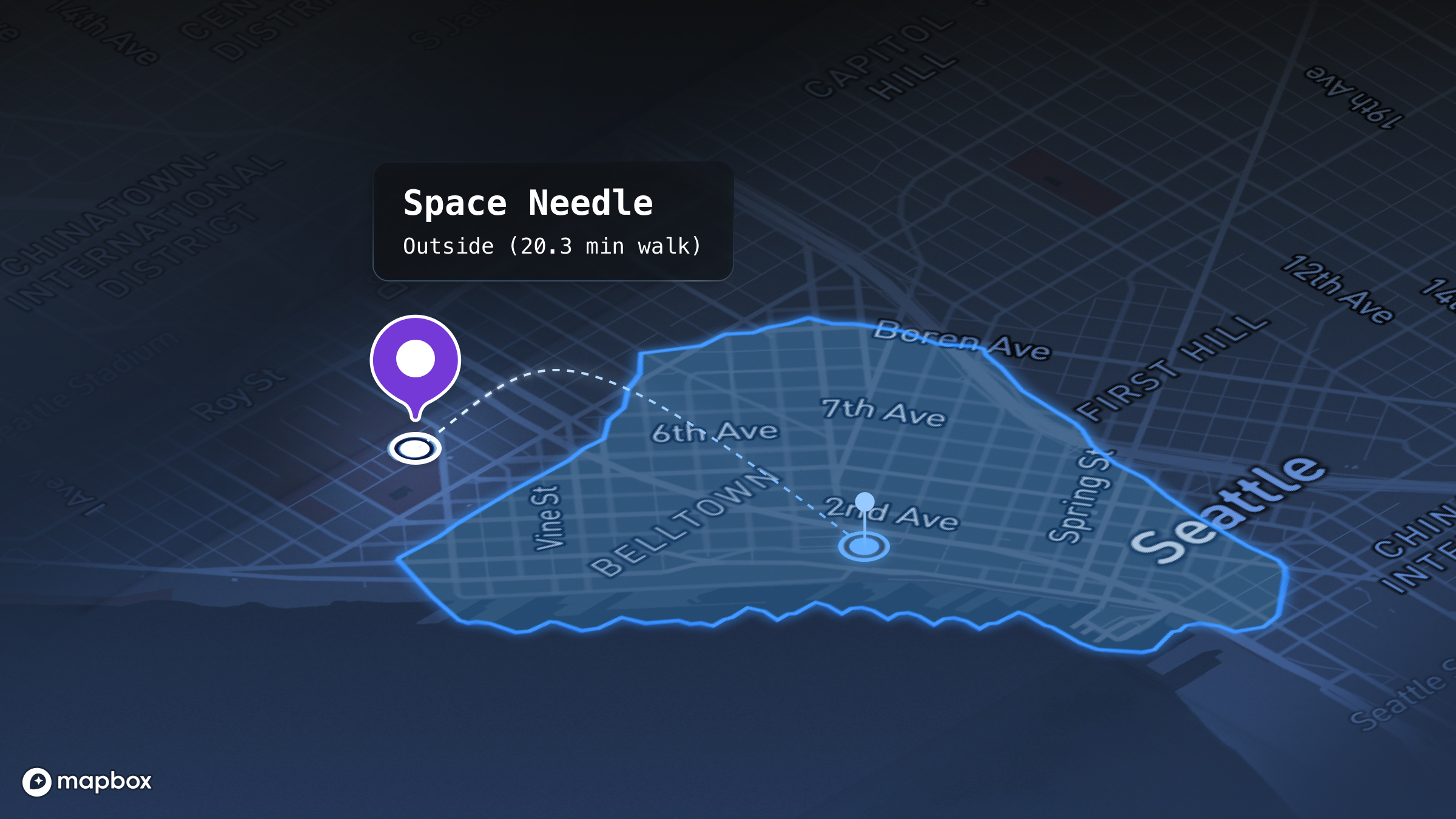
From answers to addresses: Grounding an LLM for location
Ready to get started?
Create an account or talk to one of our experts.